The #1 Link Management Plugin for WordPress

Analyze your link health, find and fix broken links, track click performance, and automate linking tasks, all from a single WordPress plugin for SEO-focused publishers.

Link
Analytics
Link
Equity
Broken
Links
Click
Tracking
Automatic
Links
Bulk
Operations
Link Analytics

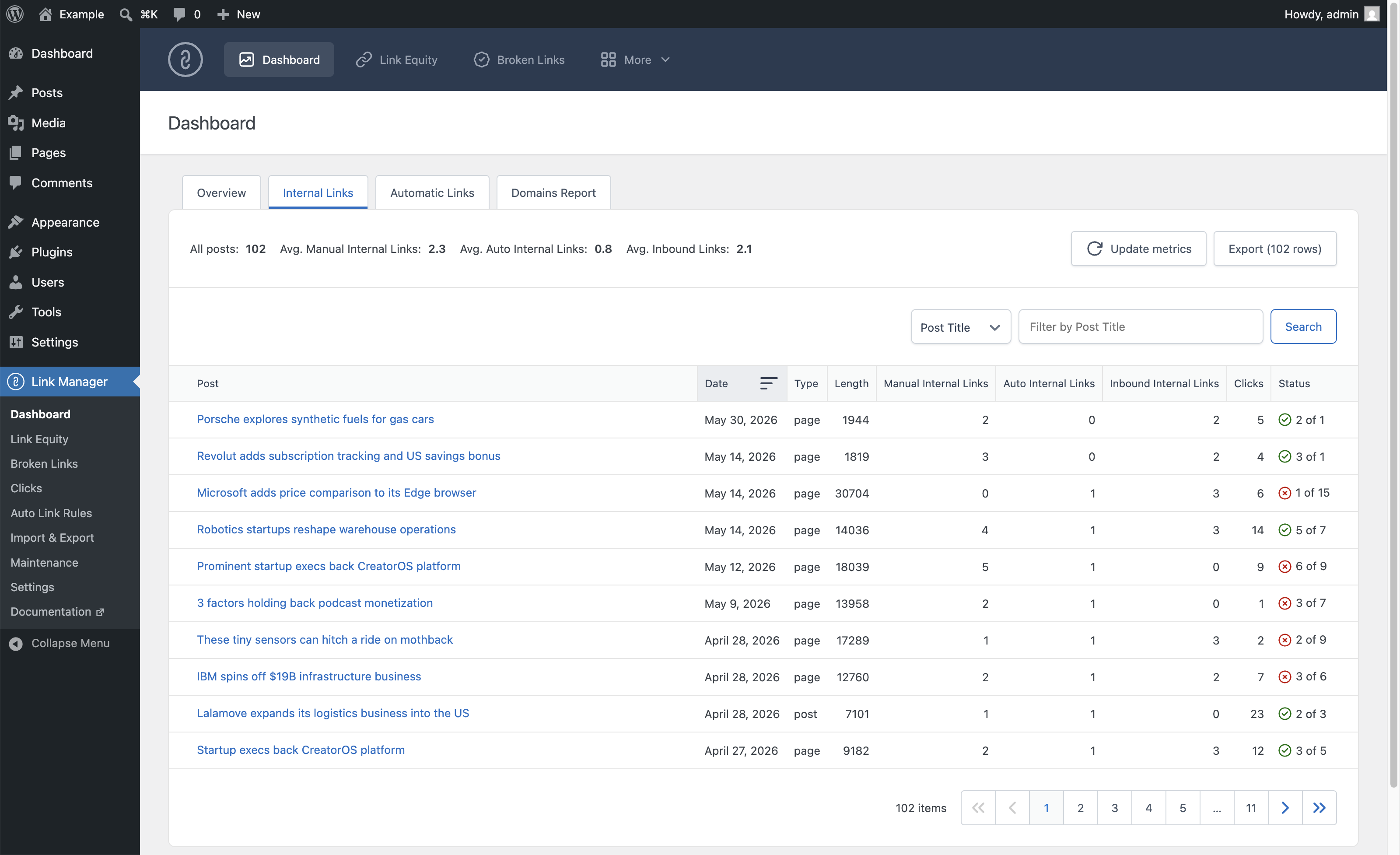
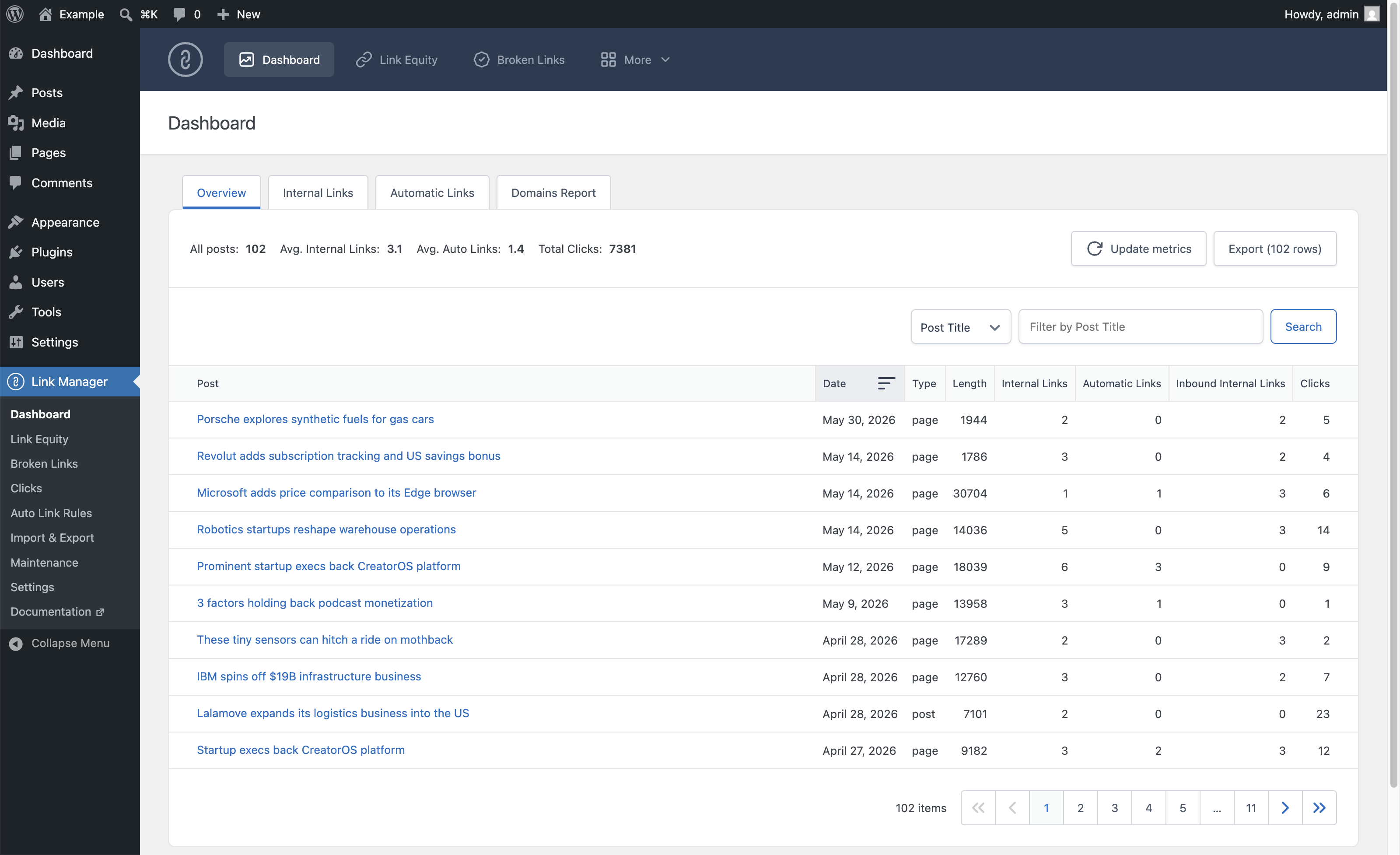
Monitor the Internal Linking Health of Every Post

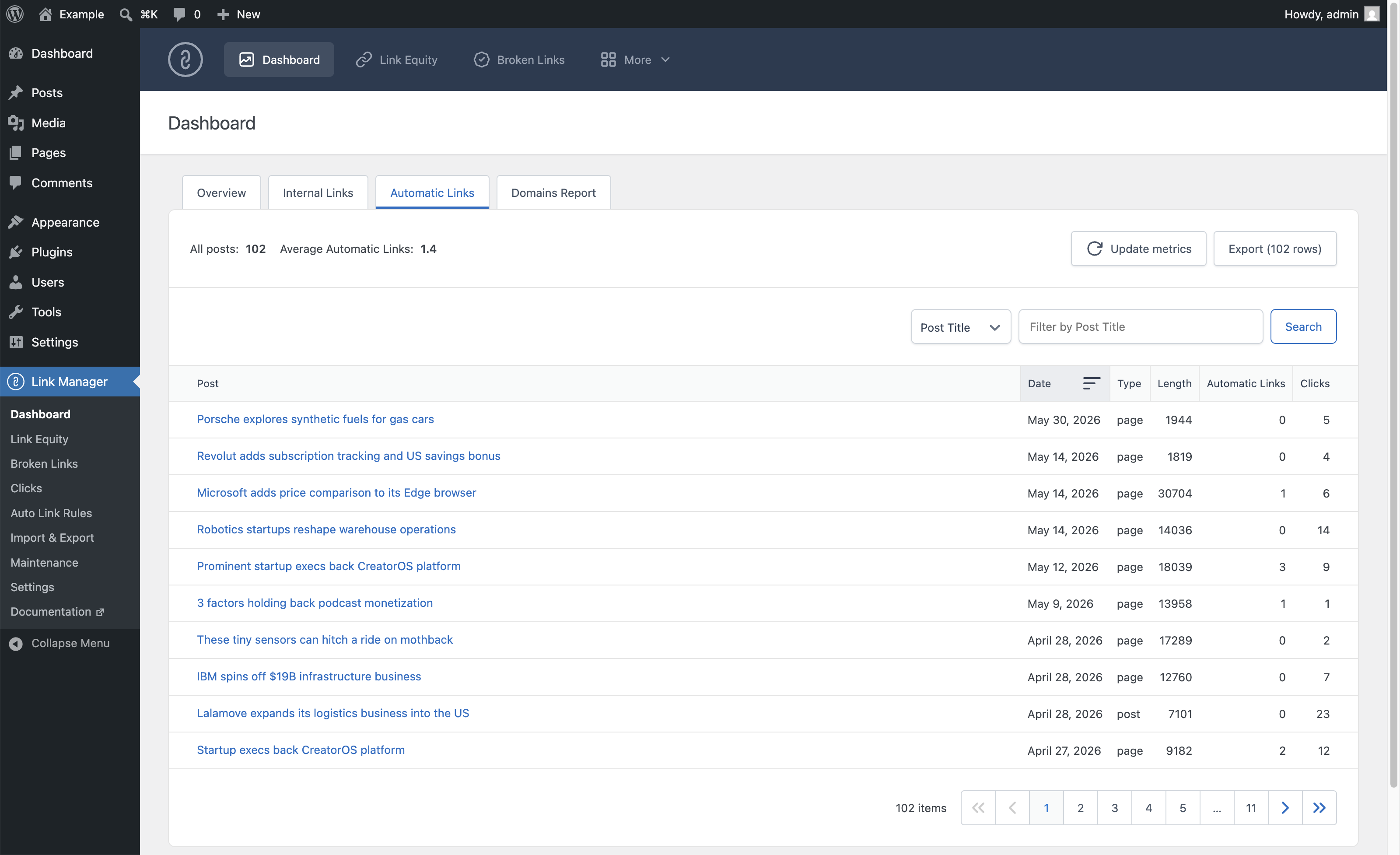
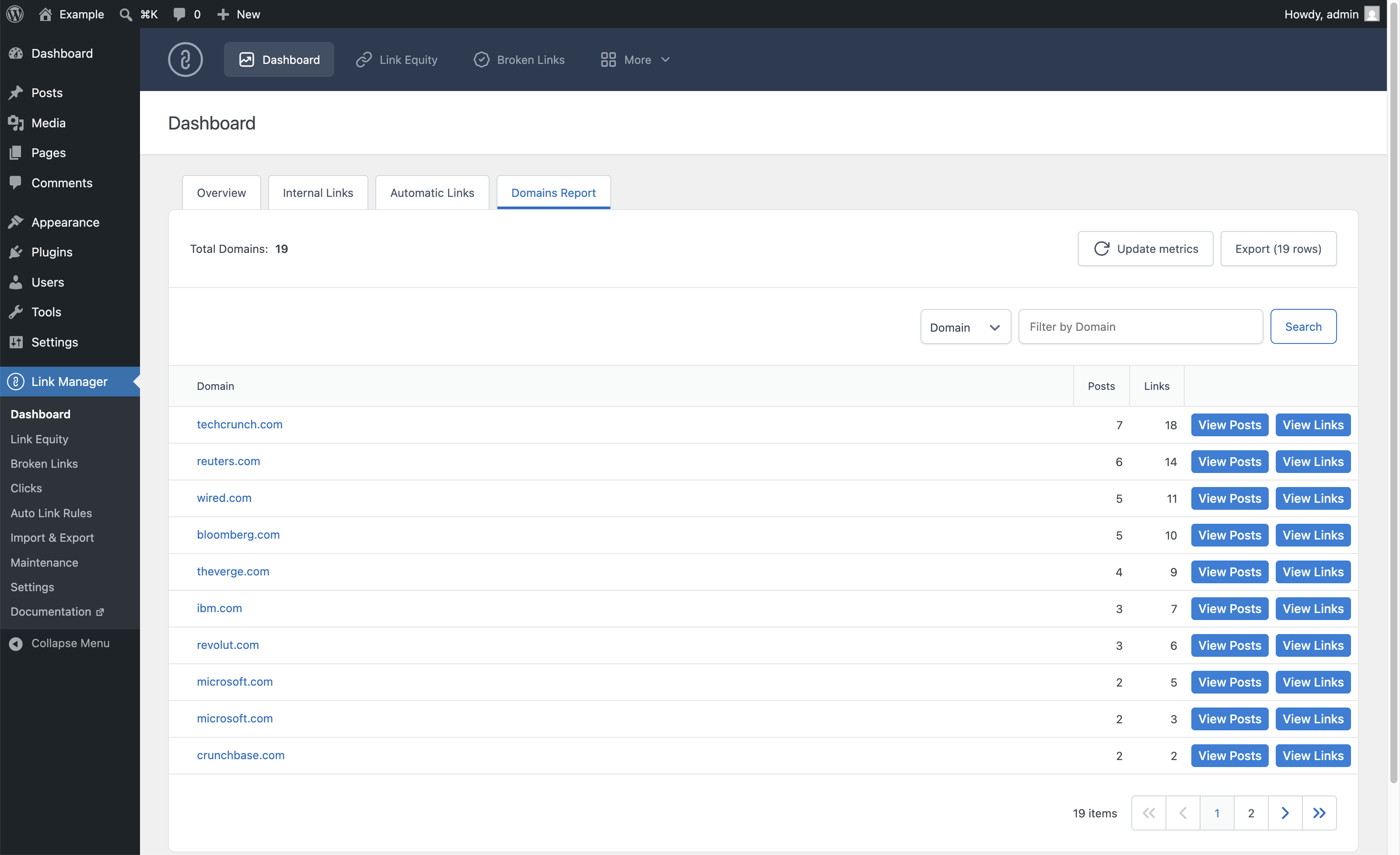
The Dashboard gives you a per-post breakdown of internal links, inbound links, optimization status, click counts, and automatic links across your entire site. Four dedicated tabs (Overview, Internal Links, Automatic Links, and Domains Report) let you analyze your linking strategy from every angle.
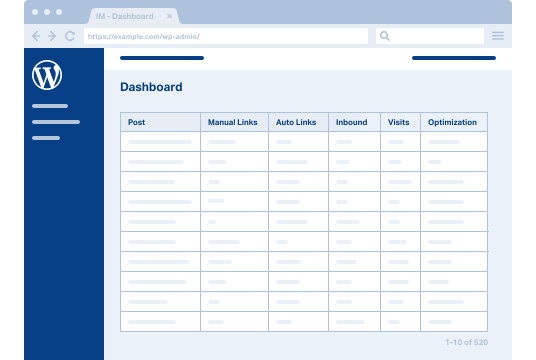
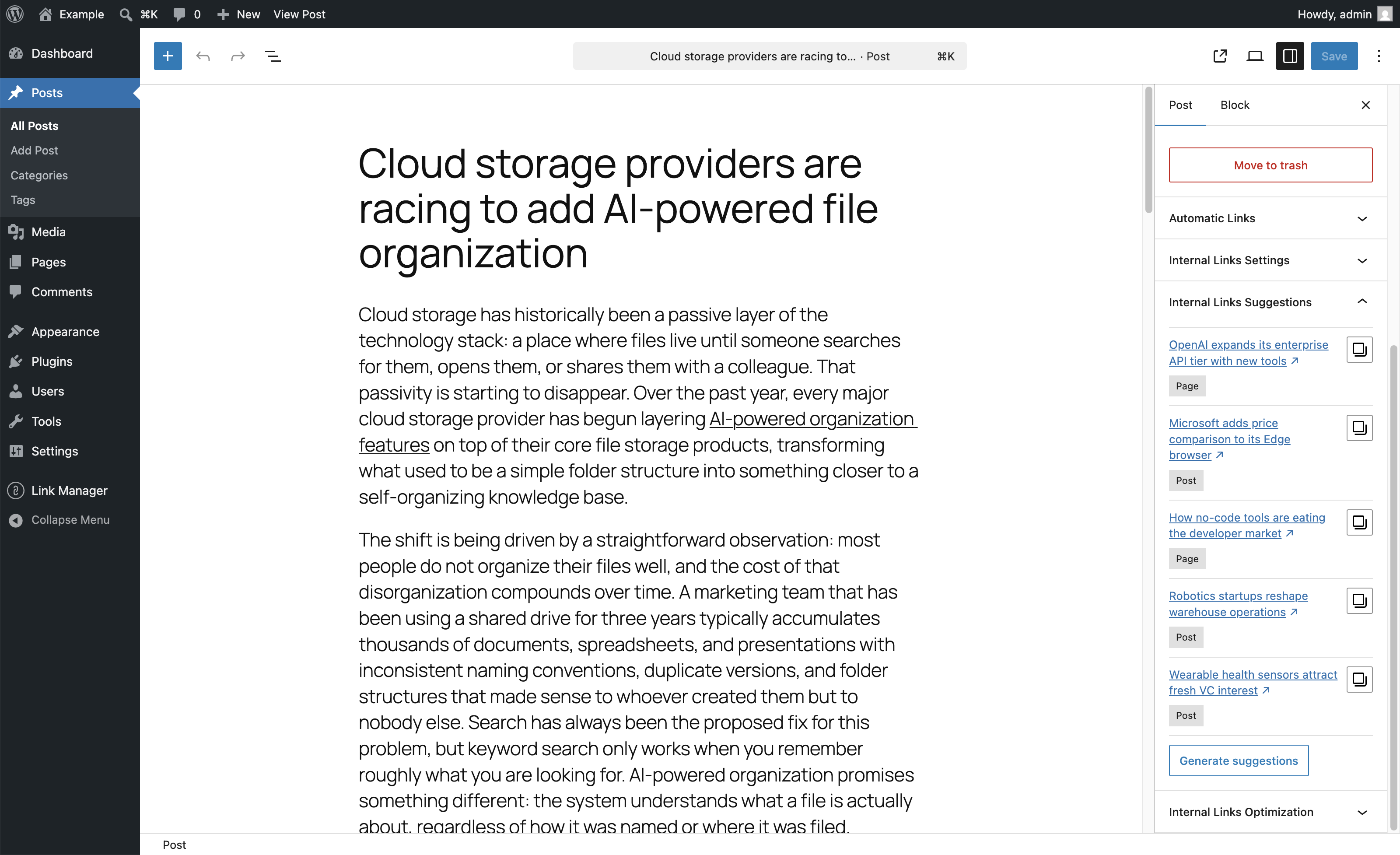
The WordPress admin with the Link Manager Dashboard open
Link Suggestions

Discover Internal Linking Opportunities While You Write

The Internal Links Suggestions panel in the post editor recommends existing posts worth linking to from the content you are currently editing, scored by title overlap, shared categories, tags, and post type. Generate a fresh set of suggestions in one click and copy any URL directly to your clipboard.
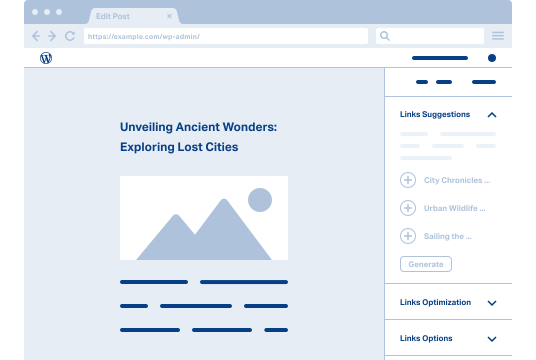
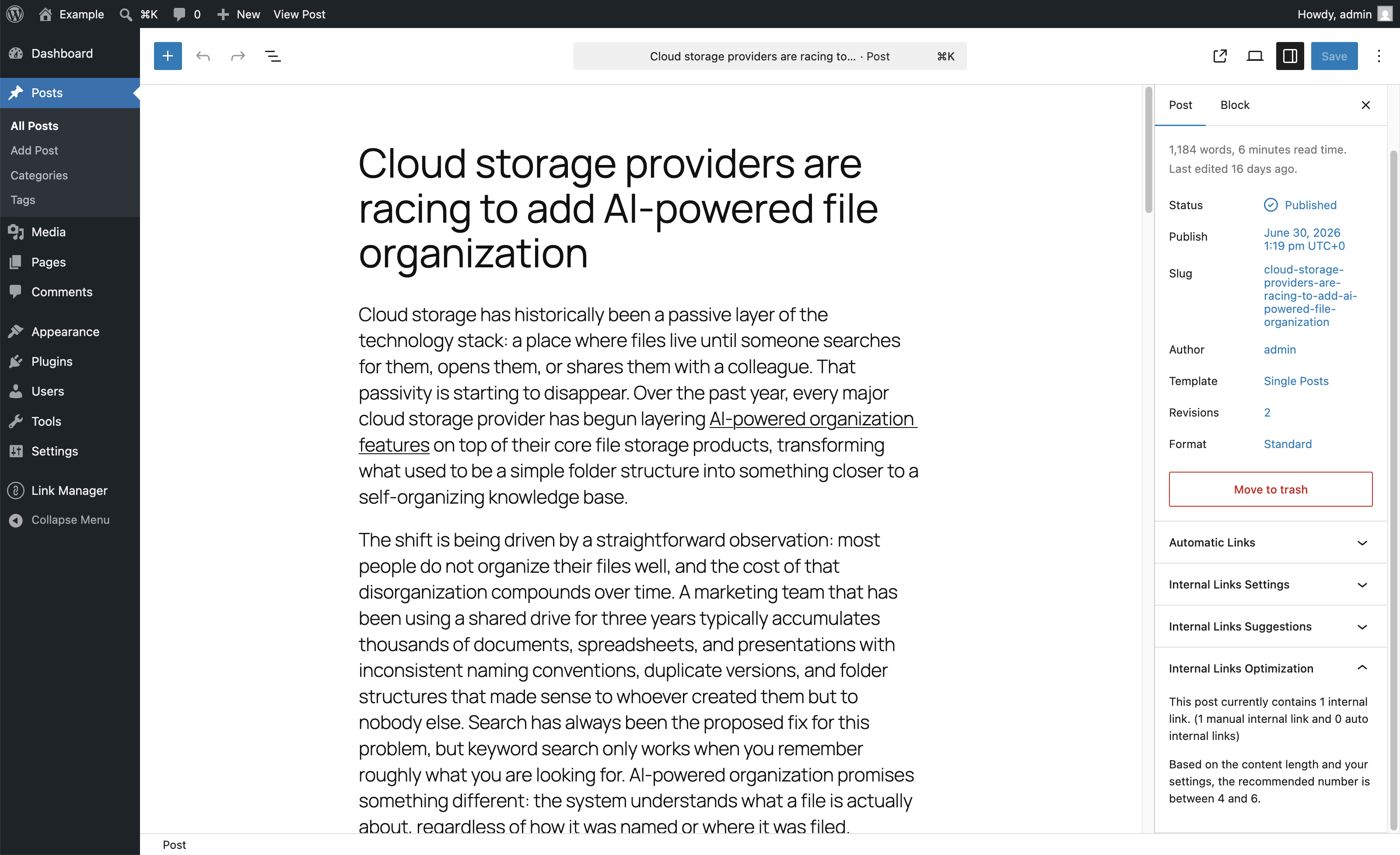
The WordPress block editor with a post open in the main area and the Link Manager sidebar panel visible on the right, displaying a list of suggested posts, alongside a Generate Suggestions button at the bottom of the panel.
Broken Links

Find and Fix Broken Links Before They Hurt Your SEO

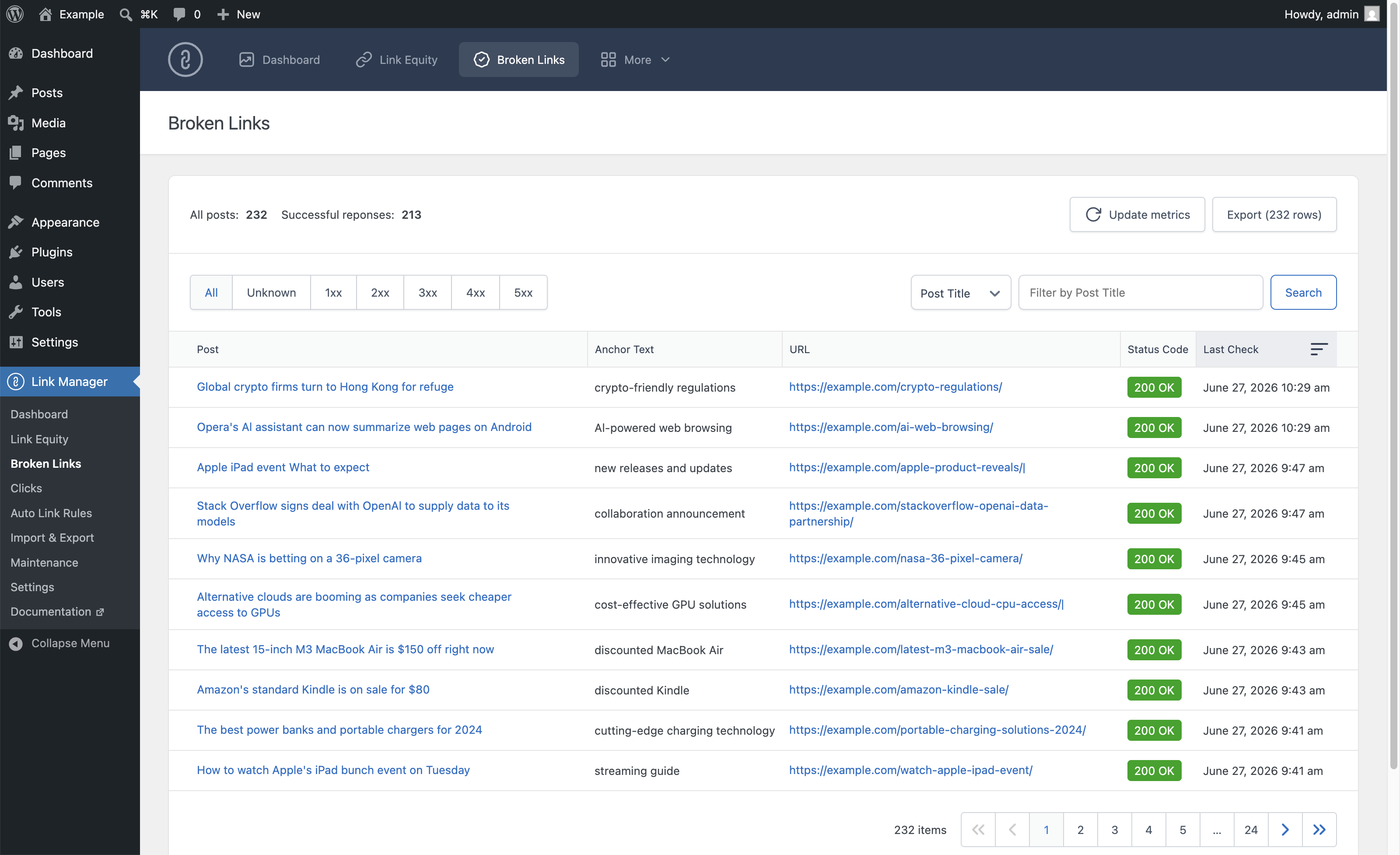
The Broken Links menu automatically scans every URL in your published content and records the HTTP status code returned. Spot 404 errors, unexpected redirects, and server failures at a glance. Every result is filterable, sortable, and exportable.
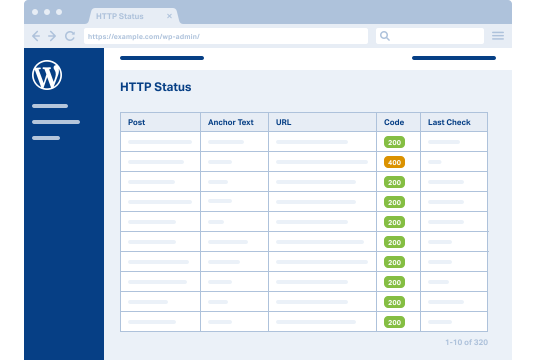
The WordPress admin with the HTTP Status menu open, displaying a table with Post, Anchor Text, URL, Code, and Last Check columns. One row shows a highlighted orange "400" status code badge among rows of green "200" badges, drawing attention to the broken link detection capability.
Click Tracking

See Which Links Your Visitors Actually Click

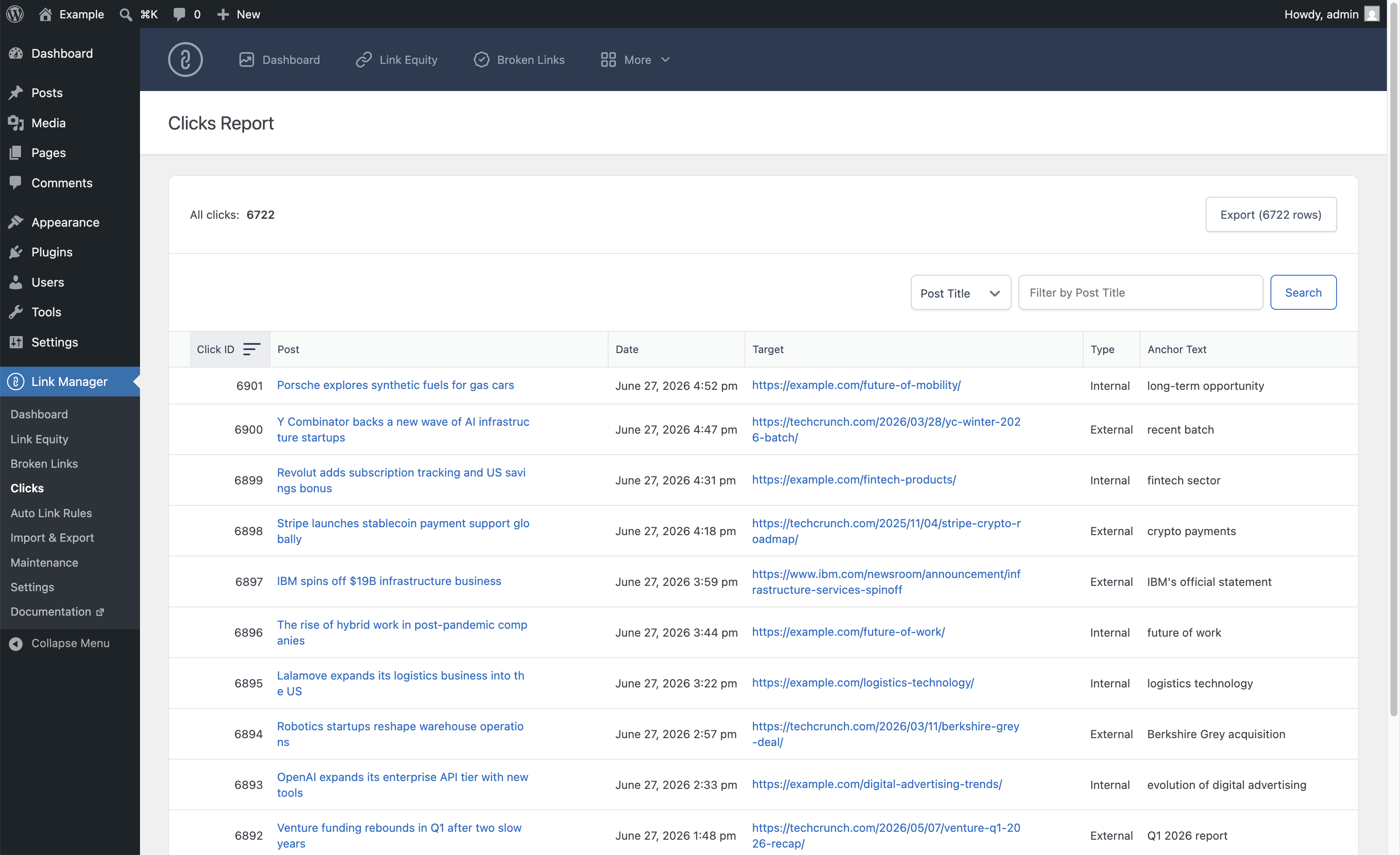
Track every click on every link across your site, automatic or manual, internal or external. For each click, the plugin records the source post, destination URL, anchor text, and exact date and time, so you can measure what actually drives engagement.
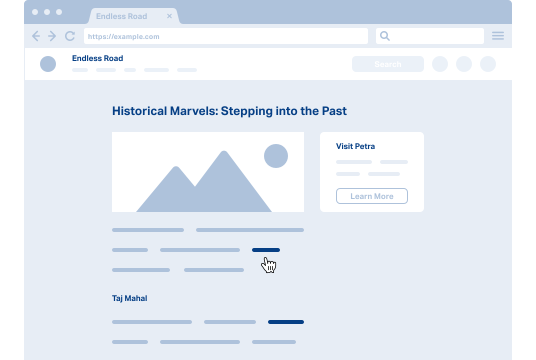
The front end of a WordPress site with a blog post open, a cursor hand icon hovering over a highlighted link in the body text, illustrating a visitor about to click a link that will be recorded by the click tracking system.
Automatic Links

Automatically Convert Keywords Into Links

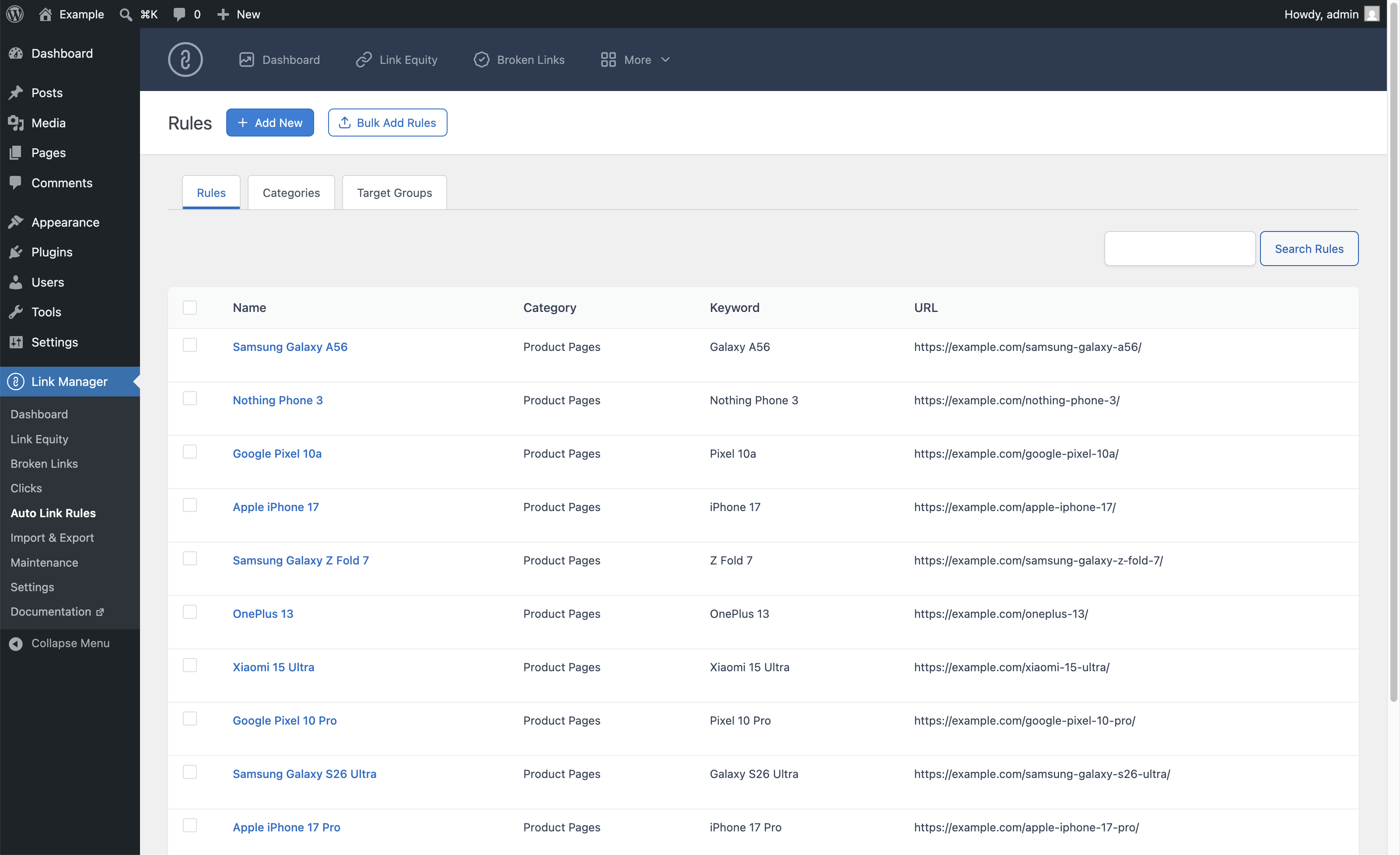
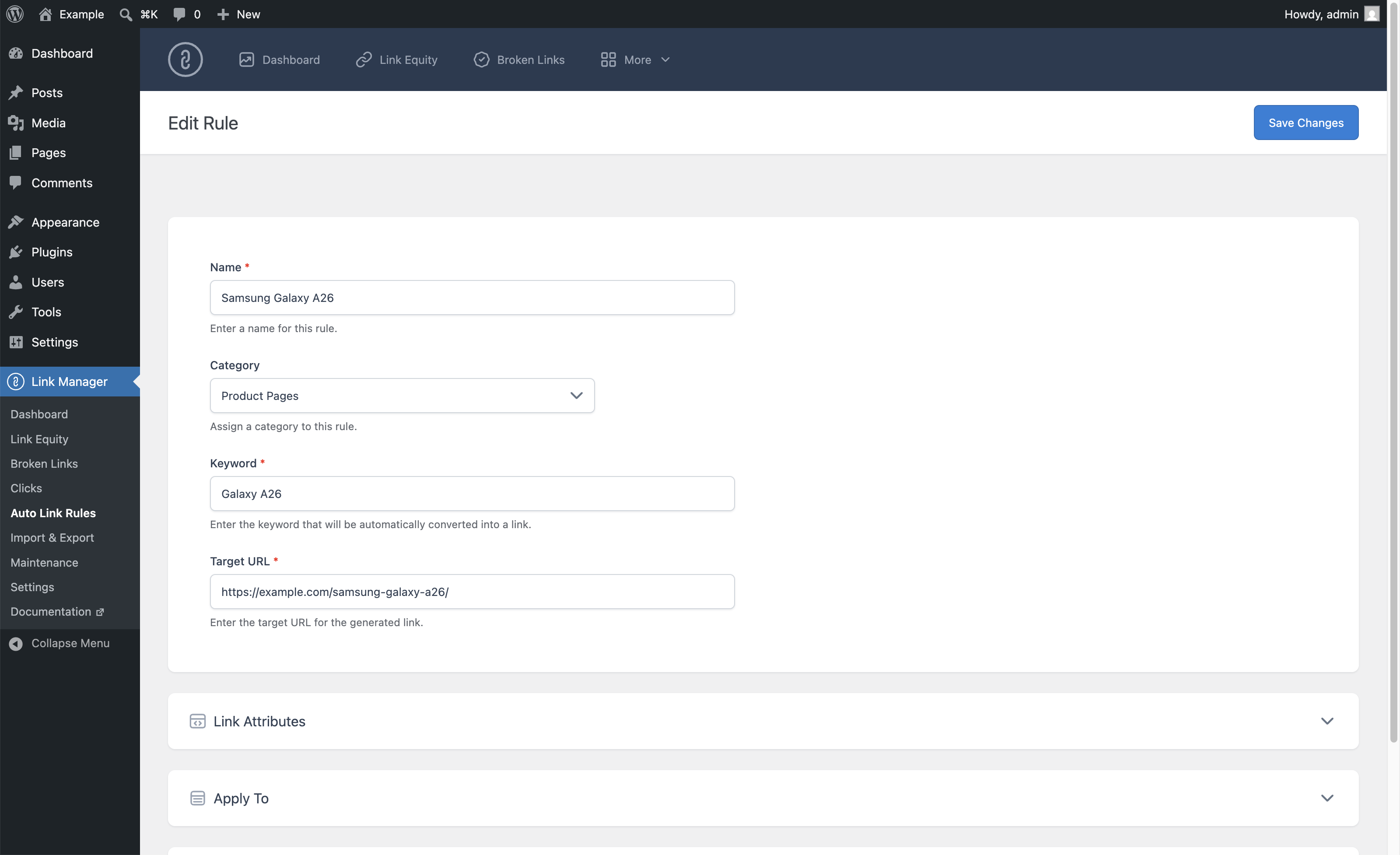
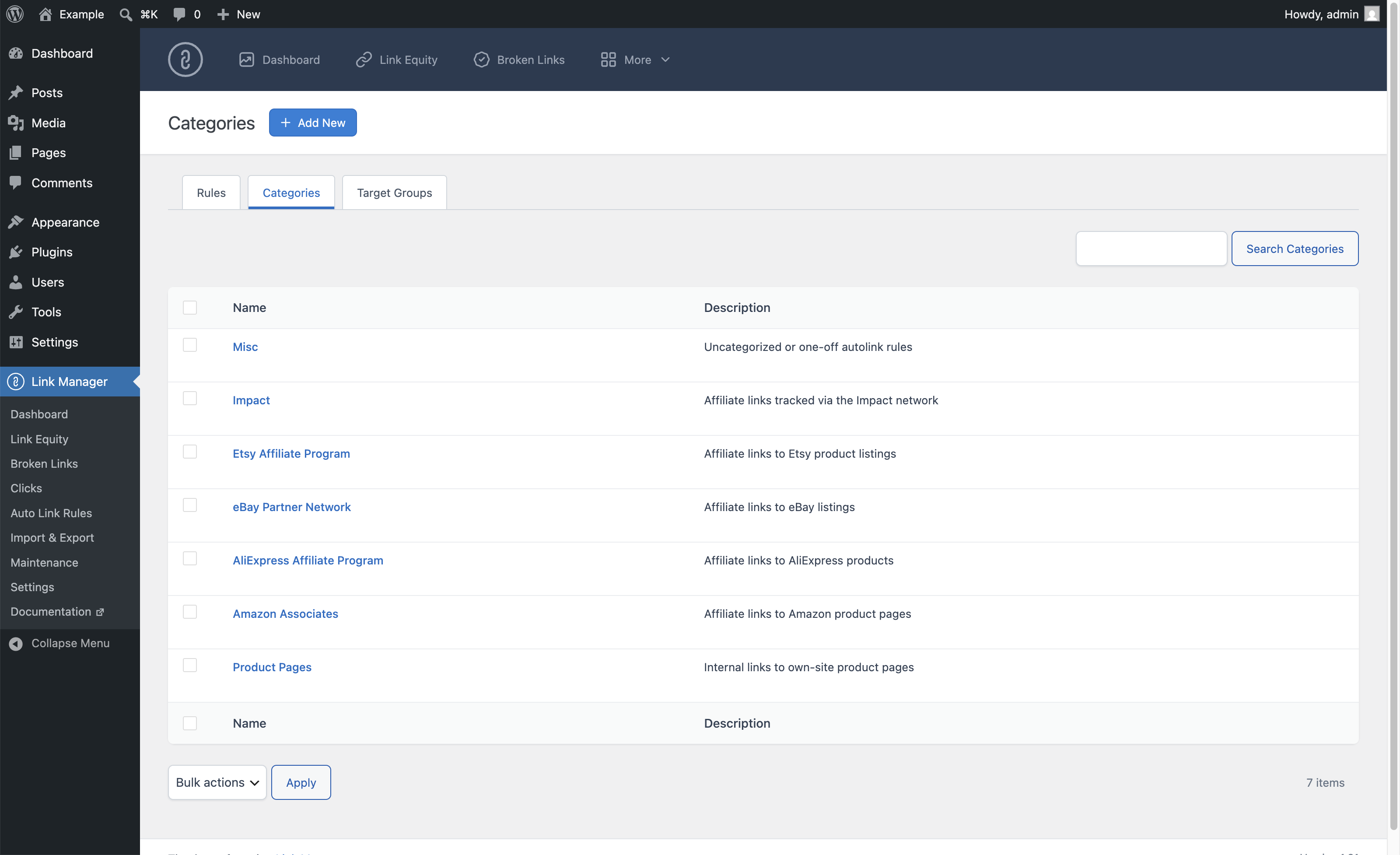
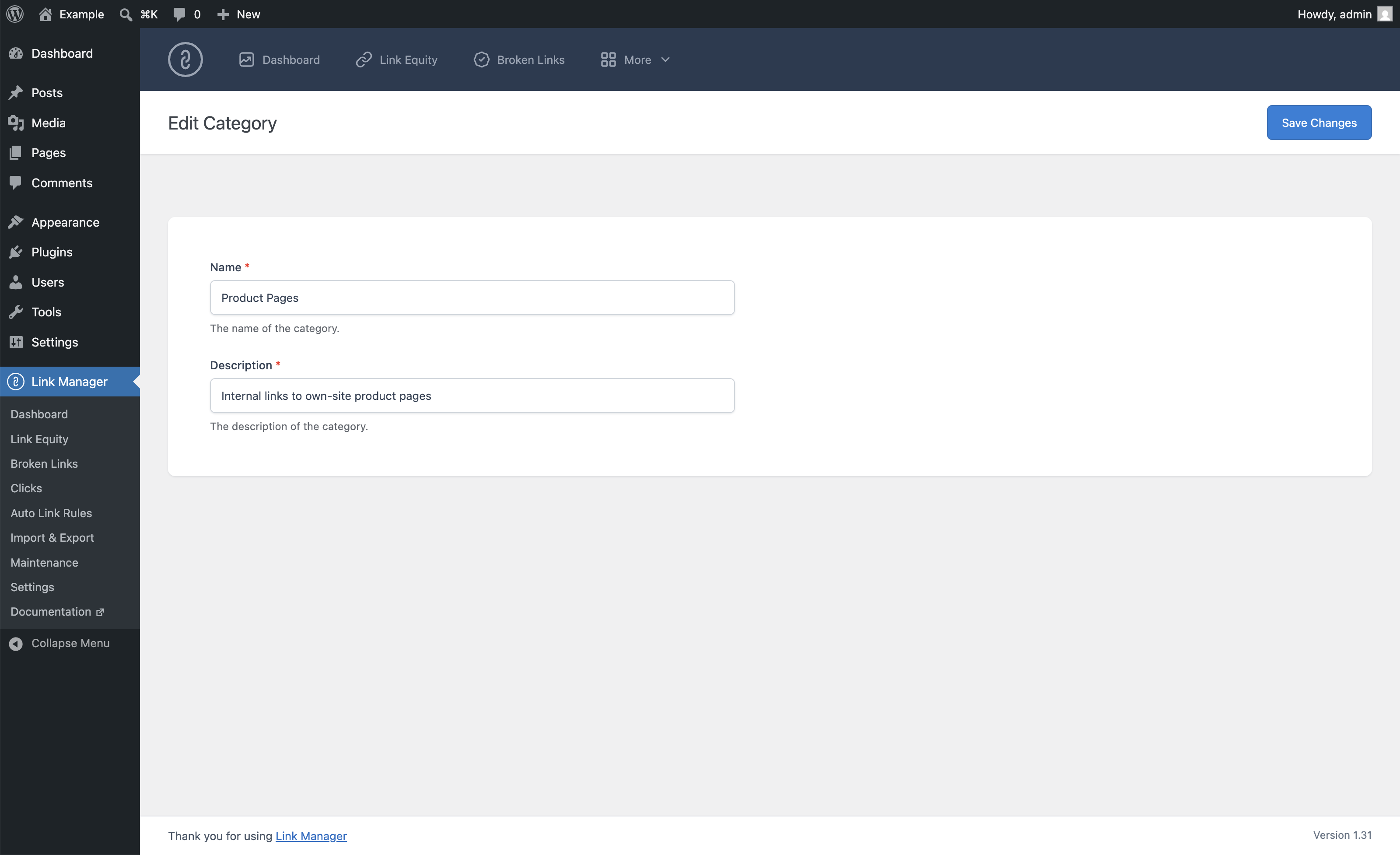
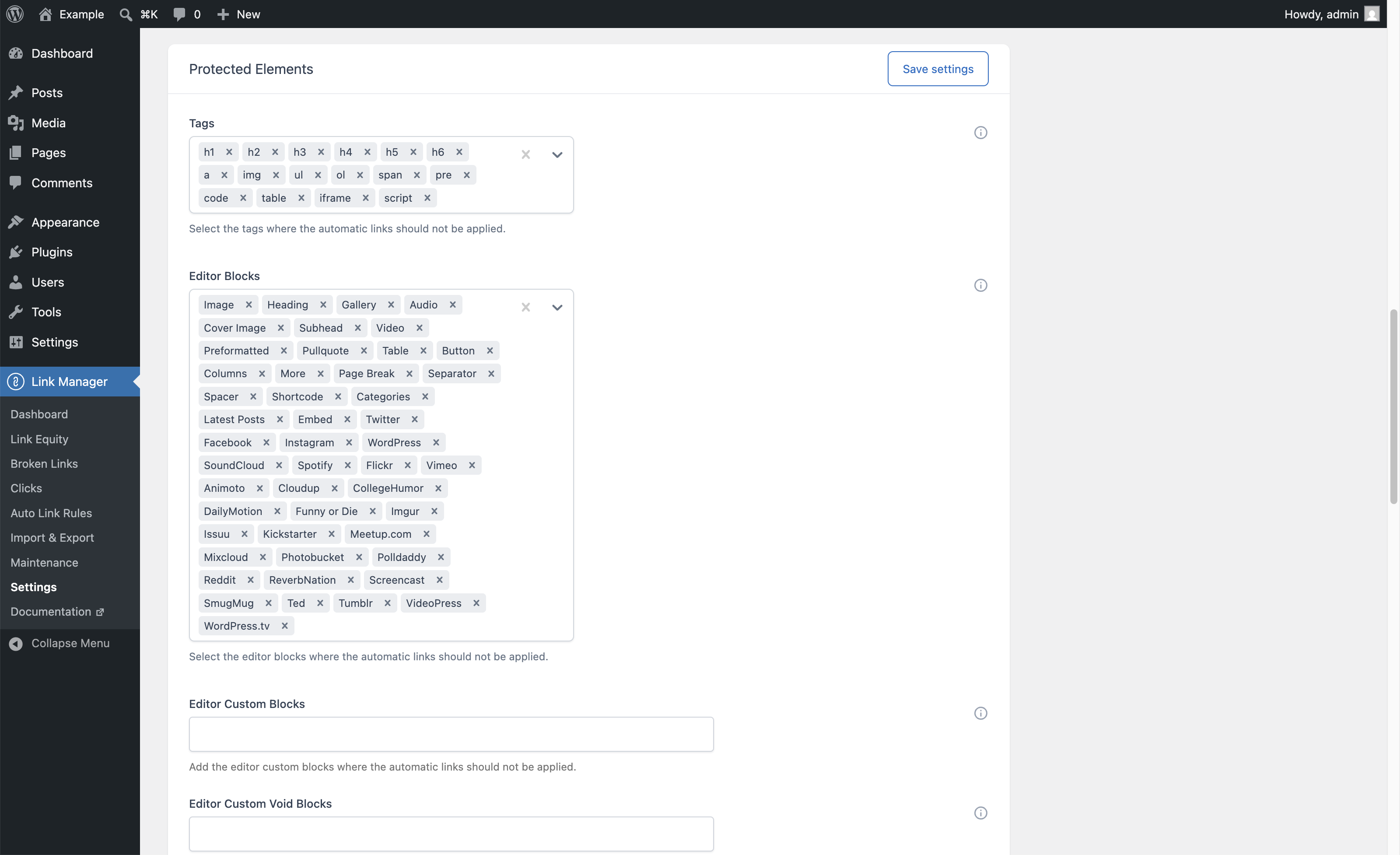
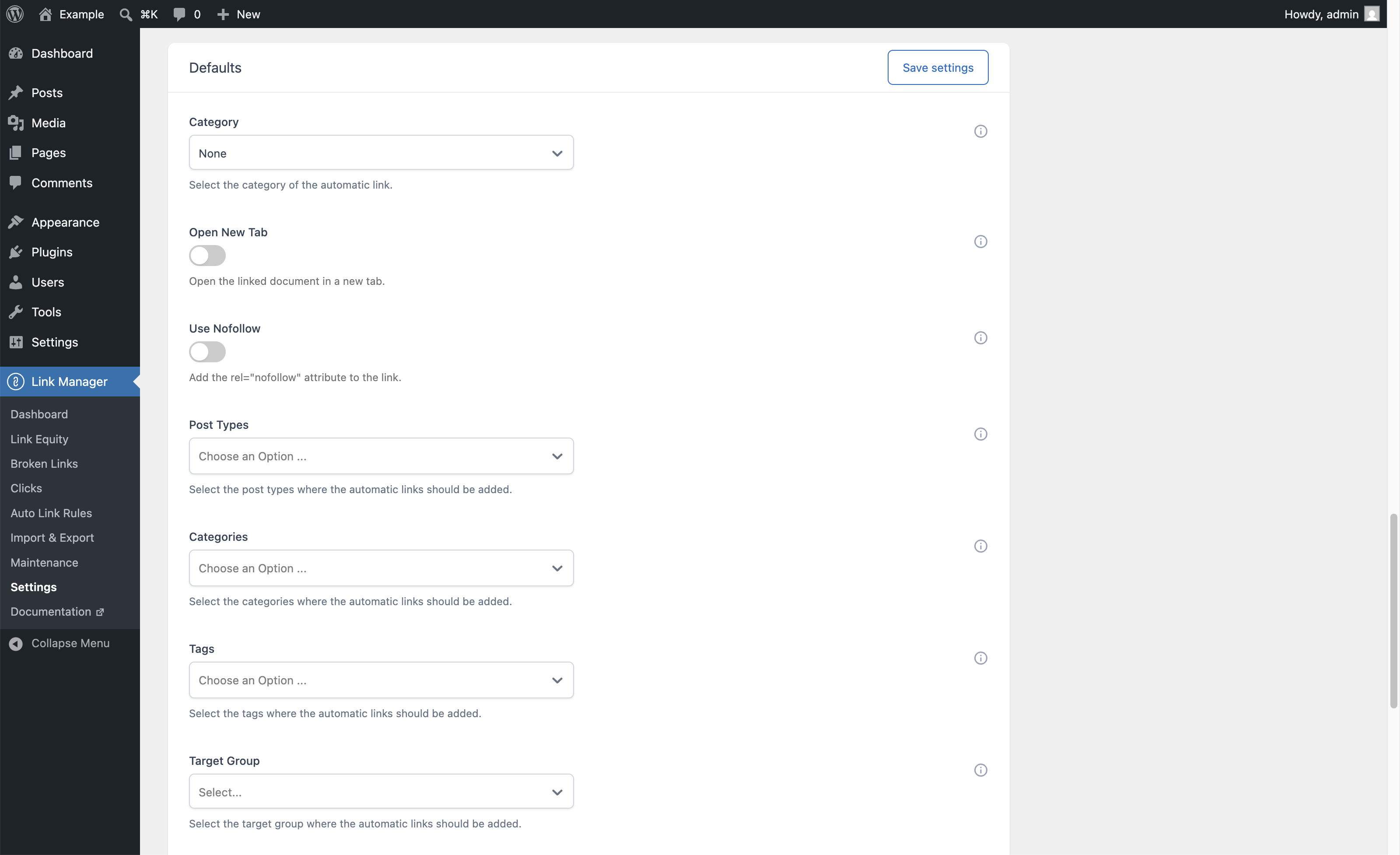
Automatically apply links across your site based on a defined list of keywords and matching rules, ideal for affiliate programs, glossary terms, and product pages. Control exactly where each automatic link appears by targeting specific post types, categories, and tags, and setting per-rule limits.
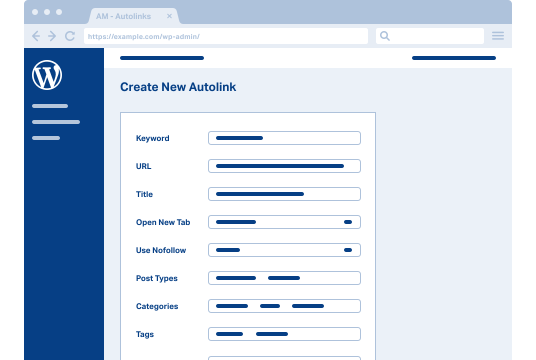
The WordPress admin panel with the Add New Auto Link Rule form open, displaying fields for Keyword, URL, Title, Open New Tab, Use Nofollow, Post Types, Categories, and Tags.
Exportable Data

Take Your Link Data Into Any Spreadsheet or Reporting Tool

Every table in Link Manager includes a CSV export. Download your Dashboard statistics, Link Equity data, click tracking records, or Broken Links report and open them in Excel, Google Sheets, or any analytics tool for further analysis.
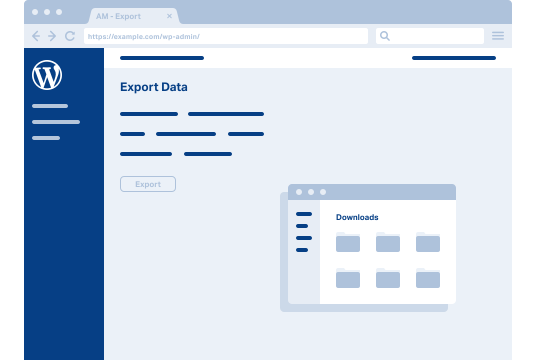
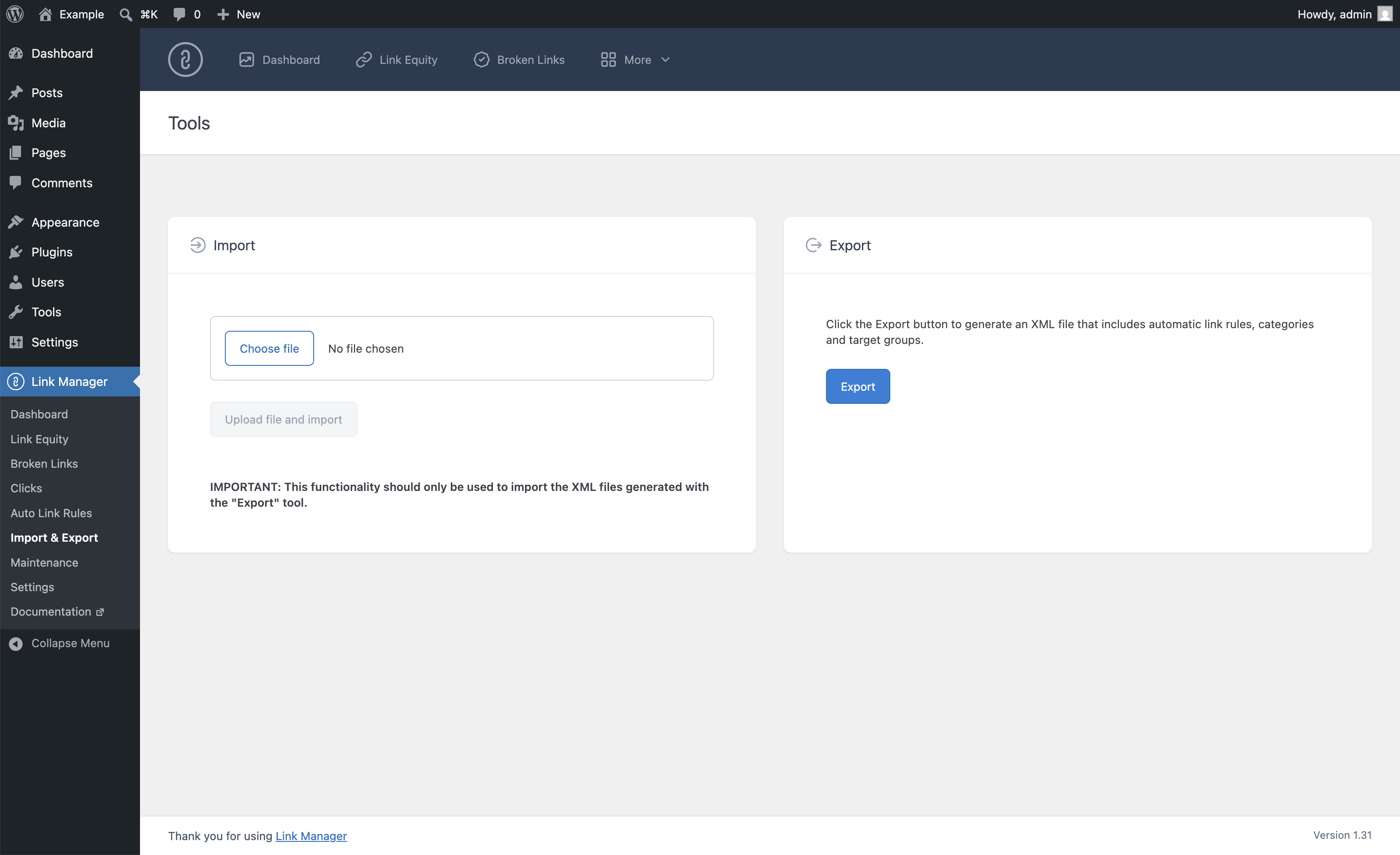
Export menu in the WordPress back end and a download folder
PRICING

Take Full Control of Your WordPress Links

Strengthen your internal linking, eliminate broken links, measure what drives clicks, and automate linking tasks with the most complete link management plugin for WordPress.

Personal

  • 1 Website
  • 12 months of support & updates
  • All Pro Features
$59
/year

Freelance

  • 5 Websites
  • 12 months of support & updates
  • All Pro Features
$99
/year

Agency

  • 25 Websites
  • 12 months of support & updates
  • All Pro Features
$149
/year
Your order is processed by our online reseller & Merchant of Record, Paddle.com
100% Risk-Free Money Back Guarantee!
Thank you for your interest in Link Manager Pro. Over the next 30 days, if you’re not satisfied with Link Manager Pro for any reason, simply let us know and we’ll provide a 100% refund no questions asked.

Frequently Asked Questions

Don’t see your question below? Let’s talk.

What are the system requirements?

Your web server must run WordPress version 5.9 or greater and have at least PHP 7.4 installed. We recommend upgrading to the latest version of PHP for the best performance.

What is your refund policy?

We offer a 30-day no-questions-asked refund policy. Don't like the plugin for any reason? Send us an email at support@daext.com, and we will refund your entire purchase.

How does the subscription work?

When you purchase the plugin, an annual subscription will automatically be created using your chosen payment method. You can cancel your subscription at any time from your account.

What happens when my license expires?

The plugin is open source. Link Manager will continue working when your license expires, but you will no longer be able to download the latest plugin updates.

Does it work in my language?

Link Manager is designed to work with any WordPress translation plugin such as WPML and TranslatePress. This makes it easy for you to translate the text into any language.

Do you offer a trial version?

No, but you can experience part of the plugin functionalities with the free version of Link Manager available on WordPress.org.

What payment methods do you accept?

Payments are processed by Paddle, our merchant of record. Paddle accepts all major debit and credit cards, plus PayPal and Google Pay, depending on your location and device.

Where can I send a pre-purchase question?

Send your pre-purchase question to support@daext.com, and you will receive an answer in 24 hours. Note that we also respond to customers during weekends and holidays.
Lite vs. Pro
Unlock all the plugin's powerful functionality.
Feature
Link Manager
Link Manager Pro
Link Analytics
Overview tab combining all link metrics of each post in a single table
Internal Links tab with the manual and automatic internal links of each post
Automatic Links tab with the automatic links applied to each post
Inbound internal links count per post
Filter any column by value or range and search by post title
Find orphan posts by filtering posts with zero inbound internal links
Link Stats column in the post listing with inbound internal, outbound internal, and outbound external links
Clicks count per post (automatic links)
(Pro Version)
Clicks count per post (all internal links)
(Pro Version)
Export the Overview, Internal Links, and Automatic Links tabs in CSV format
(Pro Version)
Link Graph
Visualize your posts and their links as an interactive graph
Display internal links, external links, or both
Size nodes by link equity, inbound links, or outbound links
Color nodes by post type or internal links optimization status
Show only orphan posts, or only the main cluster of connected posts
Filter nodes by post type and minimum inbound links, and hide unconnected nodes
Search nodes by title and focus on a single post and its links
Configure the maximum number of nodes and the default link type
Domains Report
Domains Report listing every external domain linked in your content, with the number of links per domain
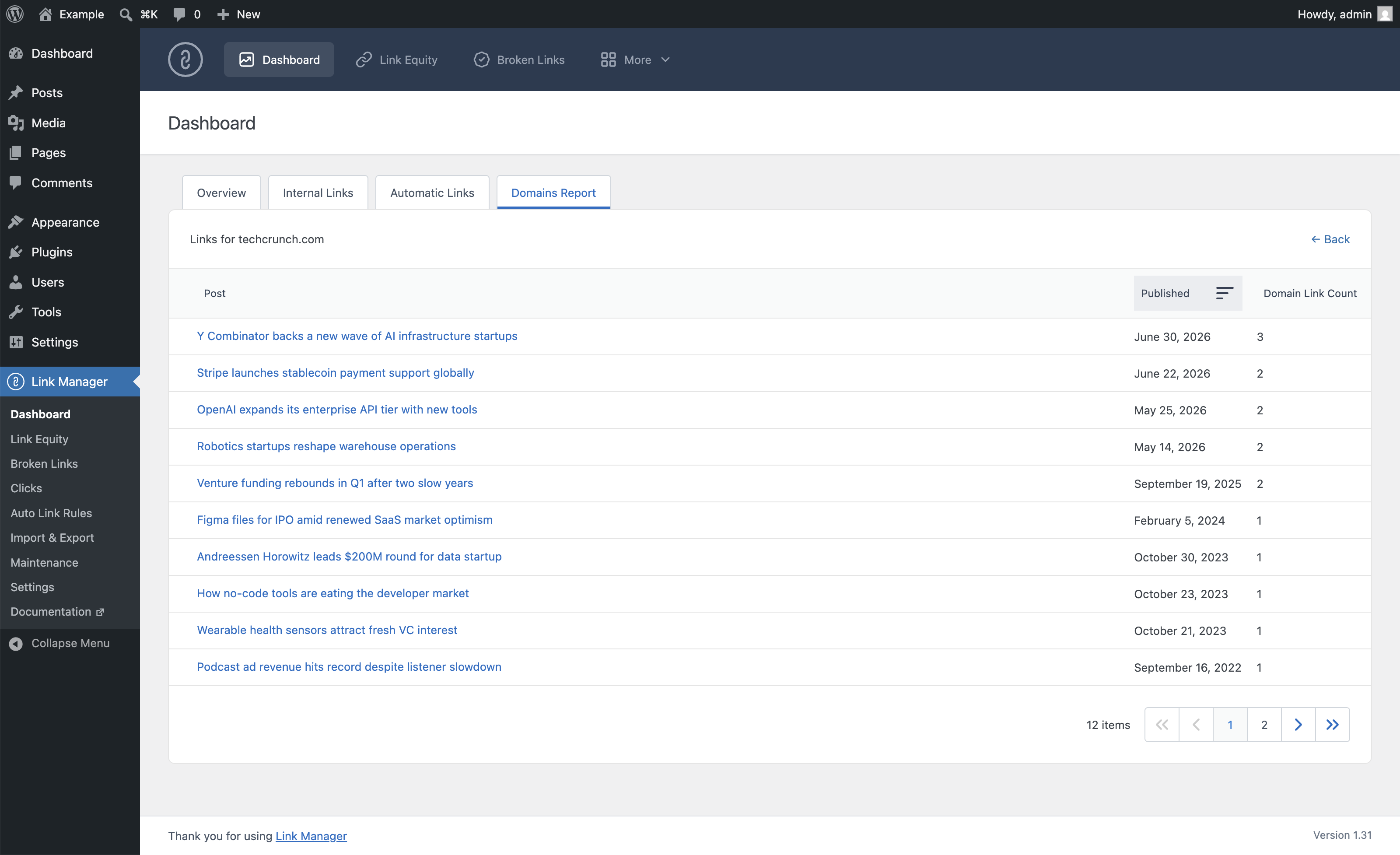
View Posts drill-down per external domain
View Links drill-down per external domain
Export the Domains Report in CSV format
(Pro Version)
Link Equity
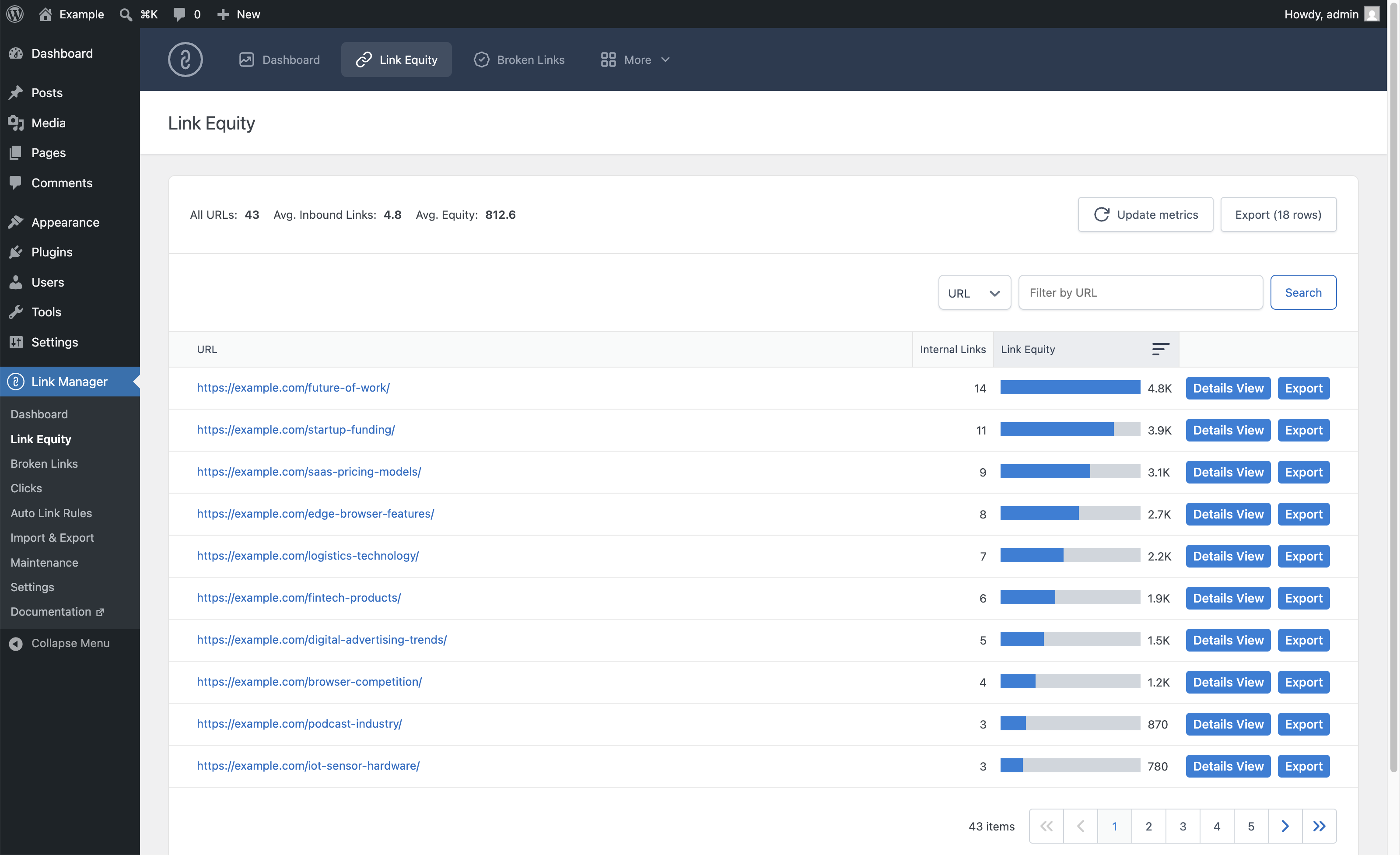
Link equity calculator per URL
Filter and search link equity data
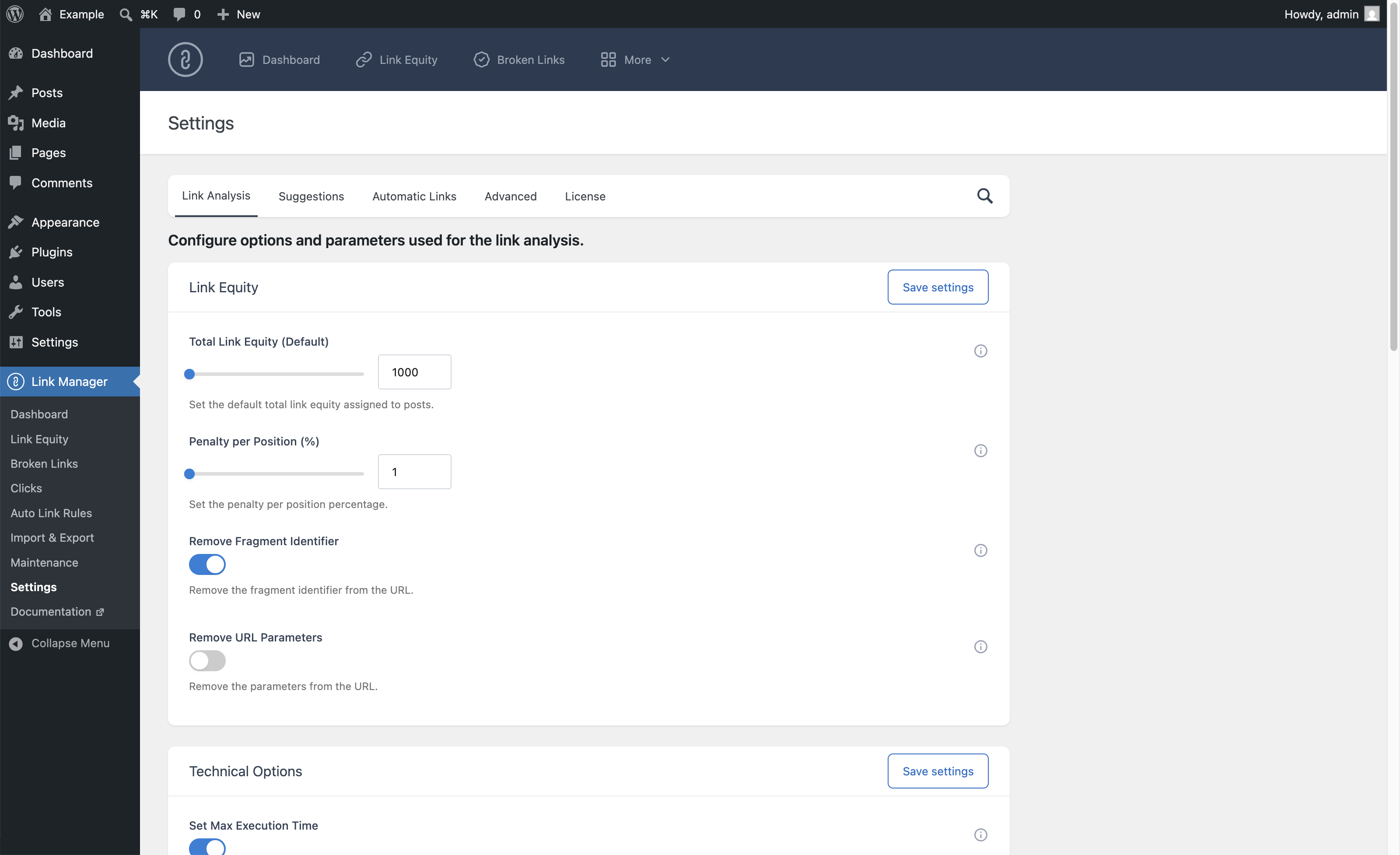
Configure default total link equity value per post
Configure position penalty percentage
URL normalization (remove fragment identifiers and URL parameters)
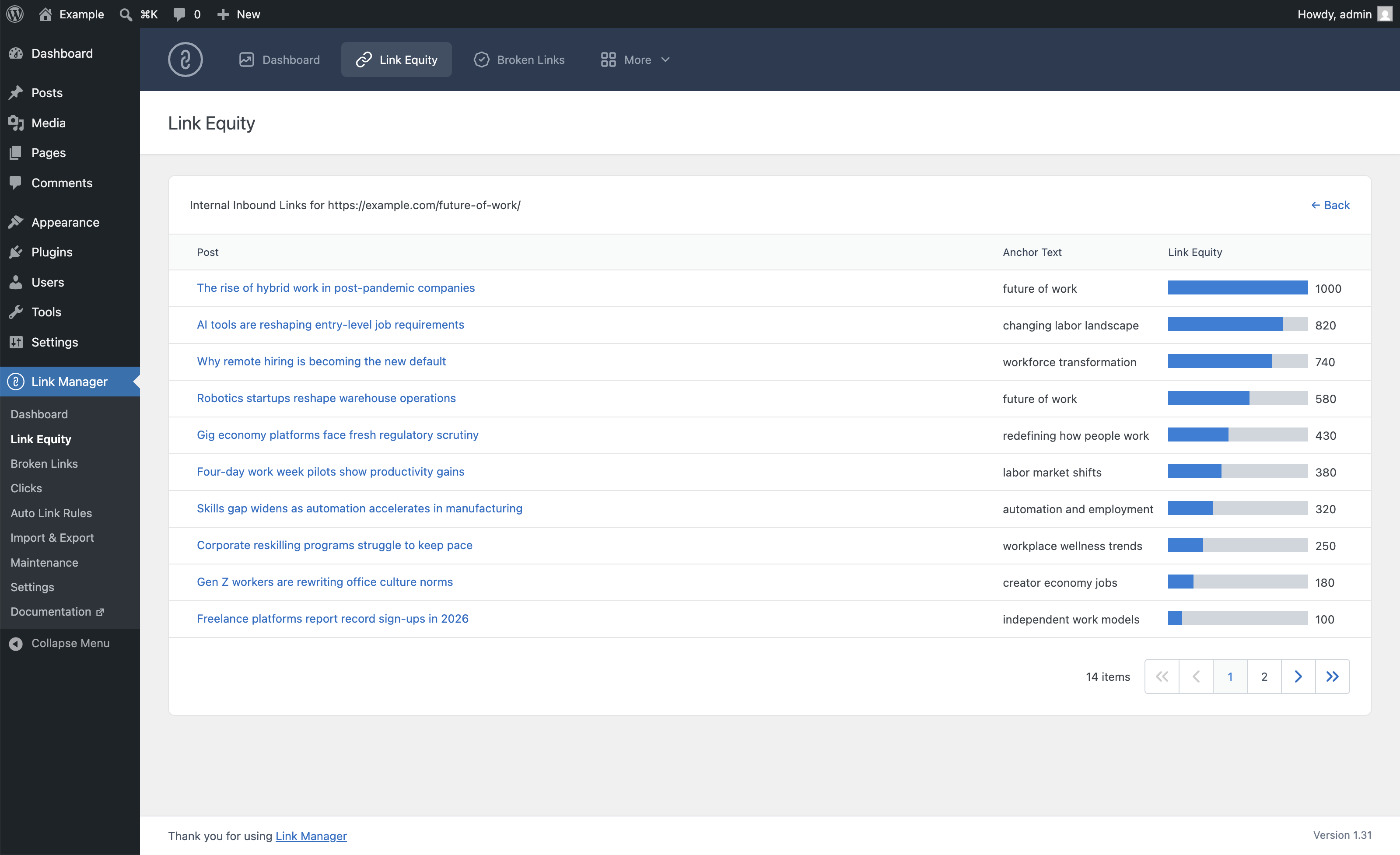
Per-link Details View drill-down showing anchor text and equity contribution
Equity bar visualization relative to highest-equity URL
Choose which post types are included in the analysis
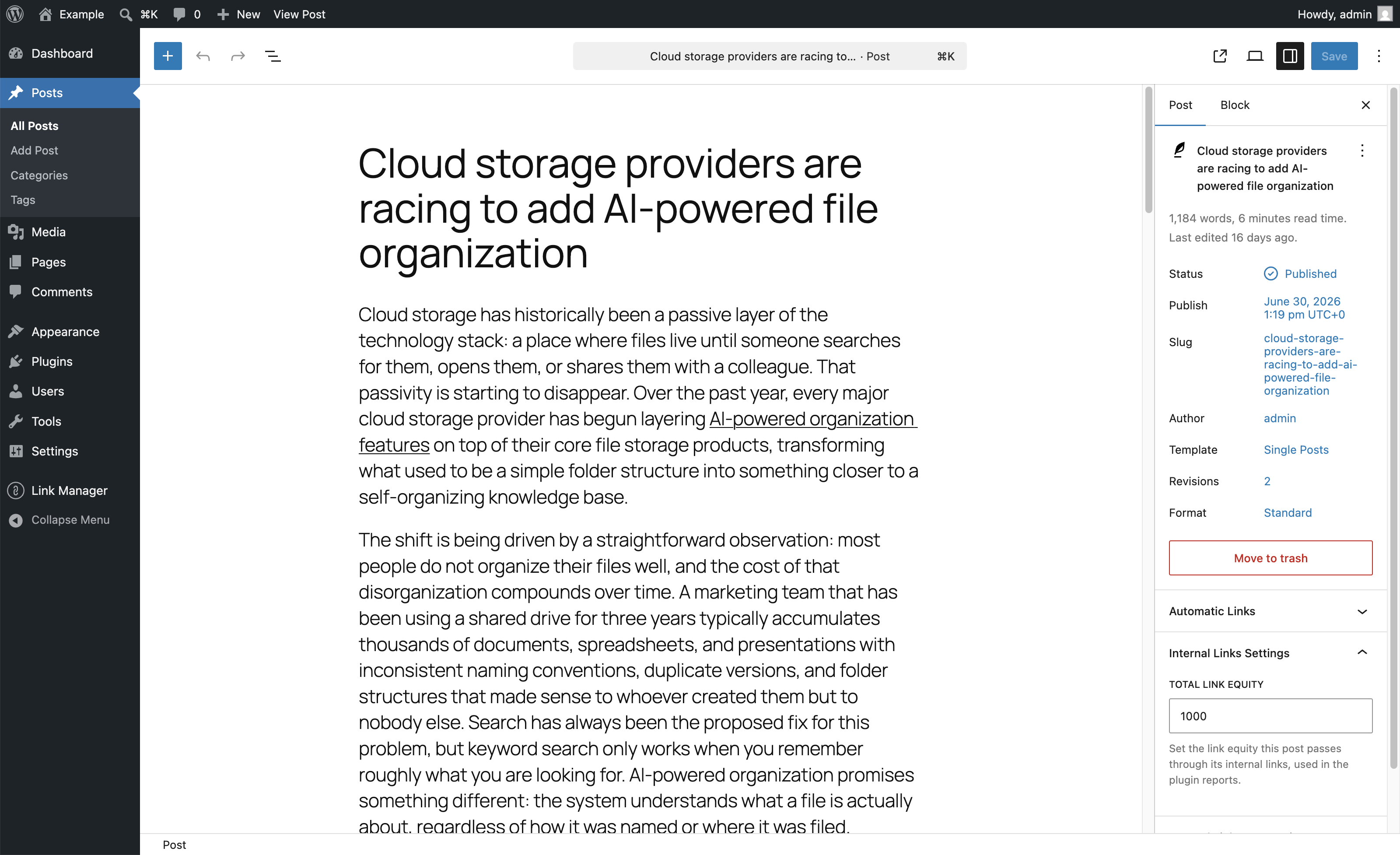
Set custom total link equity per individual post from the editor
(Pro Version)
Export link equity data per URL in CSV format
(Pro Version)
Internal Links Optimization
View internal links optimization status in the post editor
Recommended number of internal links calculated from the content length
Optimization status of each post in the Dashboard (green/red indicator)
Configure which post types display the optimization panel
Configure the optimization parameters (characters per internal link, optimization delta)
(Pro Version)
Internal Links Suggestions
Receive internal links suggestions from the editor sidebar and copy any suggested URL
(Pro Version)
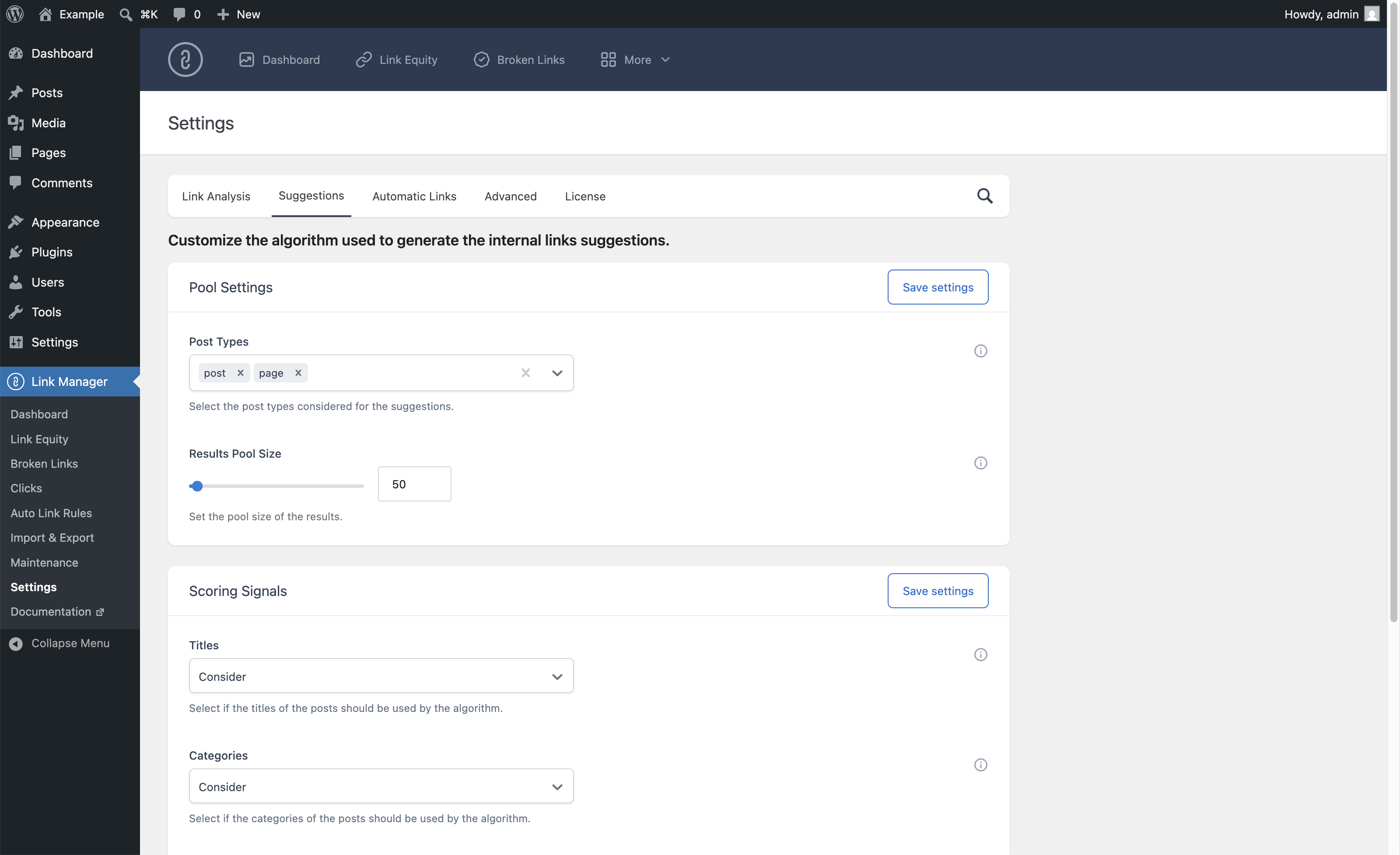
Configure the suggestions algorithm (post types, pool size, title overlap, categories, tags, post type scoring)
(Pro Version)
Configure which post types display the suggestions panel
(Pro Version)
Automatic Links
Create automatic internal and external links based on a defined keyword
Set the title attribute, new tab, and nofollow options of each rule
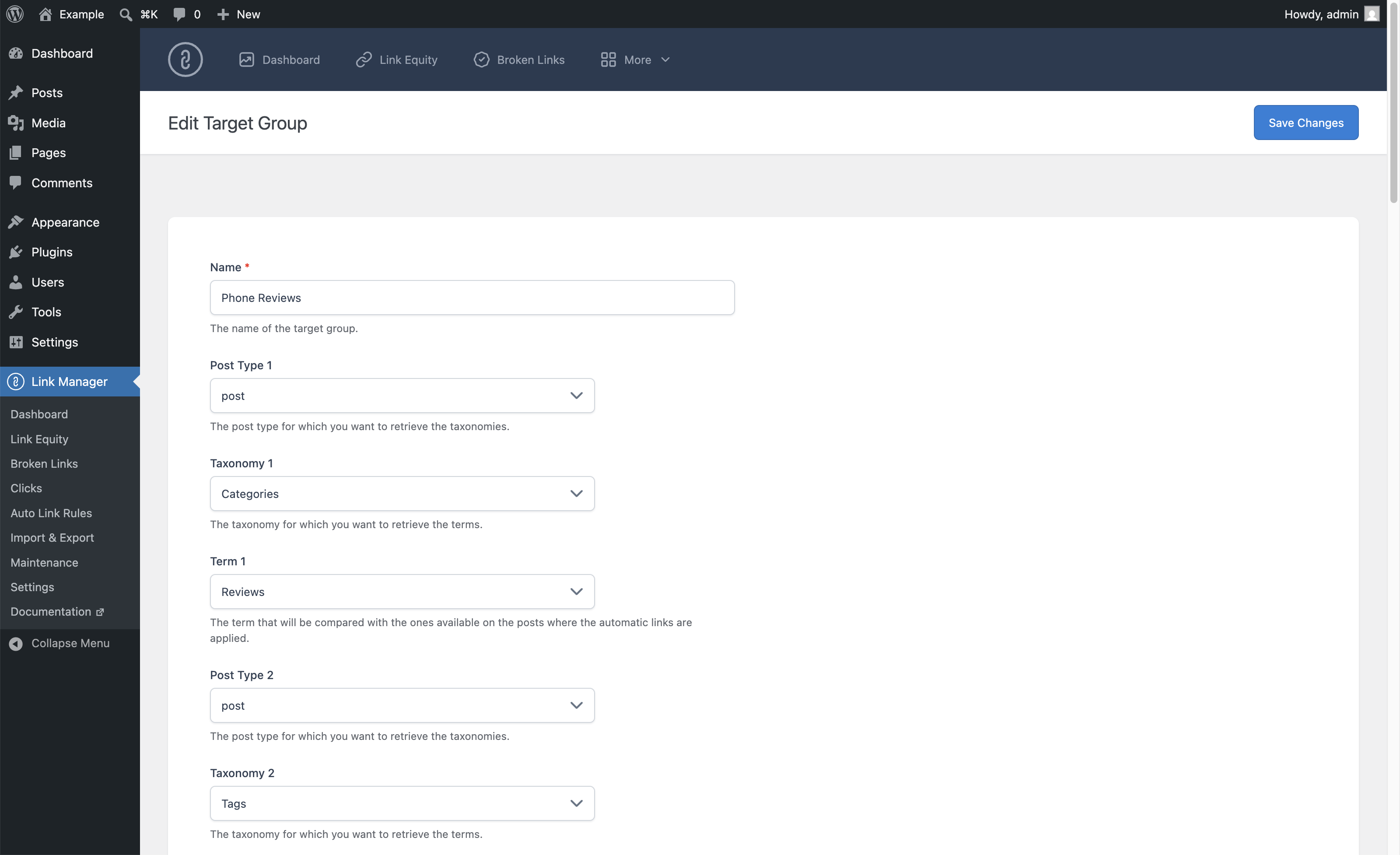
Apply automatic links only on posts belonging to defined post types, categories, tags, and target groups
Organize rules in categories
Limit (with fixed and dynamic limits) the automatic links per article
Limit the automatic links per target URL
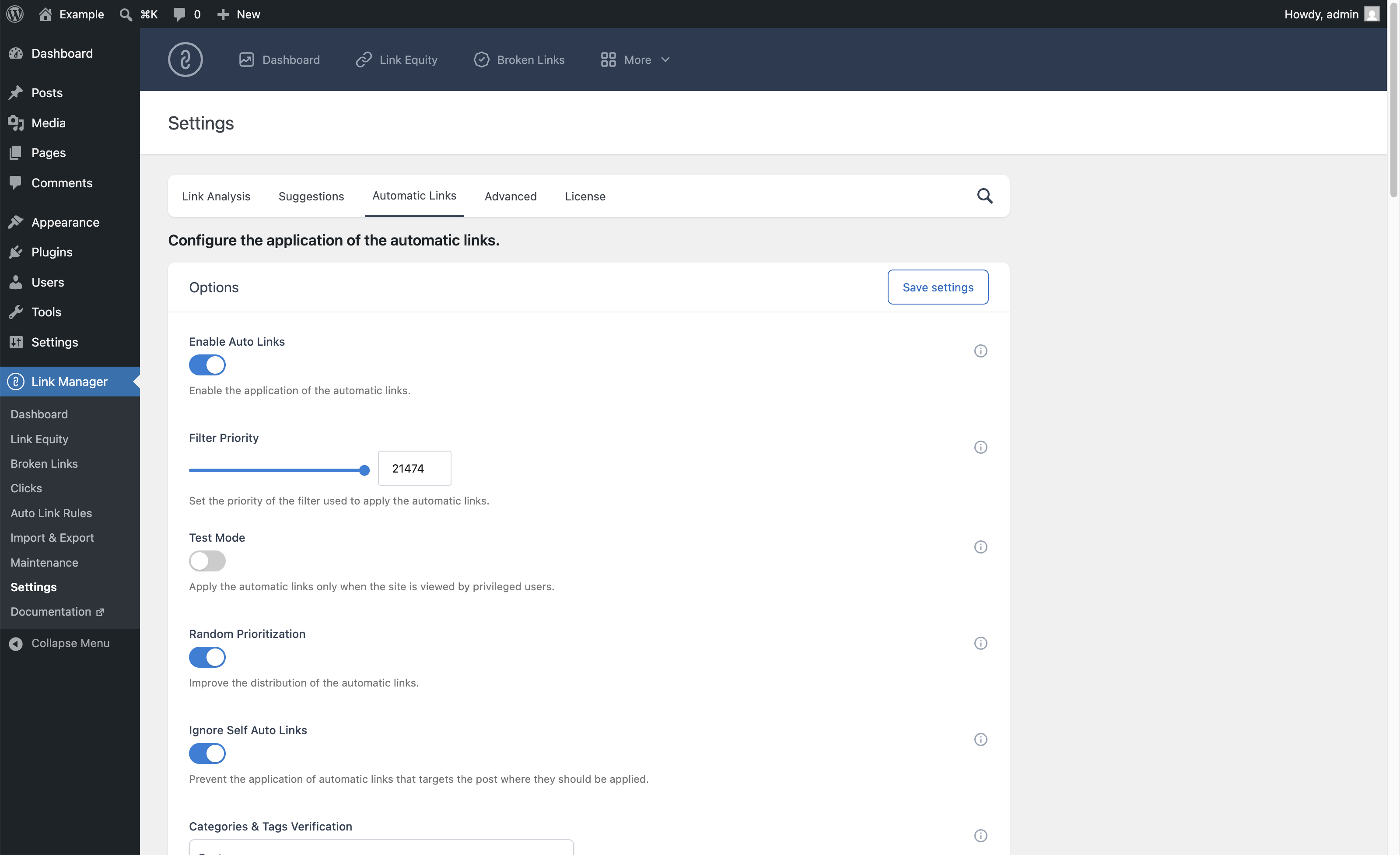
Set the priority of each rule, with optional random prioritization
Configure case sensitivity, left and right keyword boundaries, and the text before or after the keyword
Protect HTML tags, editor blocks, and custom blocks from automatic linking
Prevent self-links (links to the page on which the link appears)
Preview automatic links without affecting the public website (test mode)
Set default values for new rules
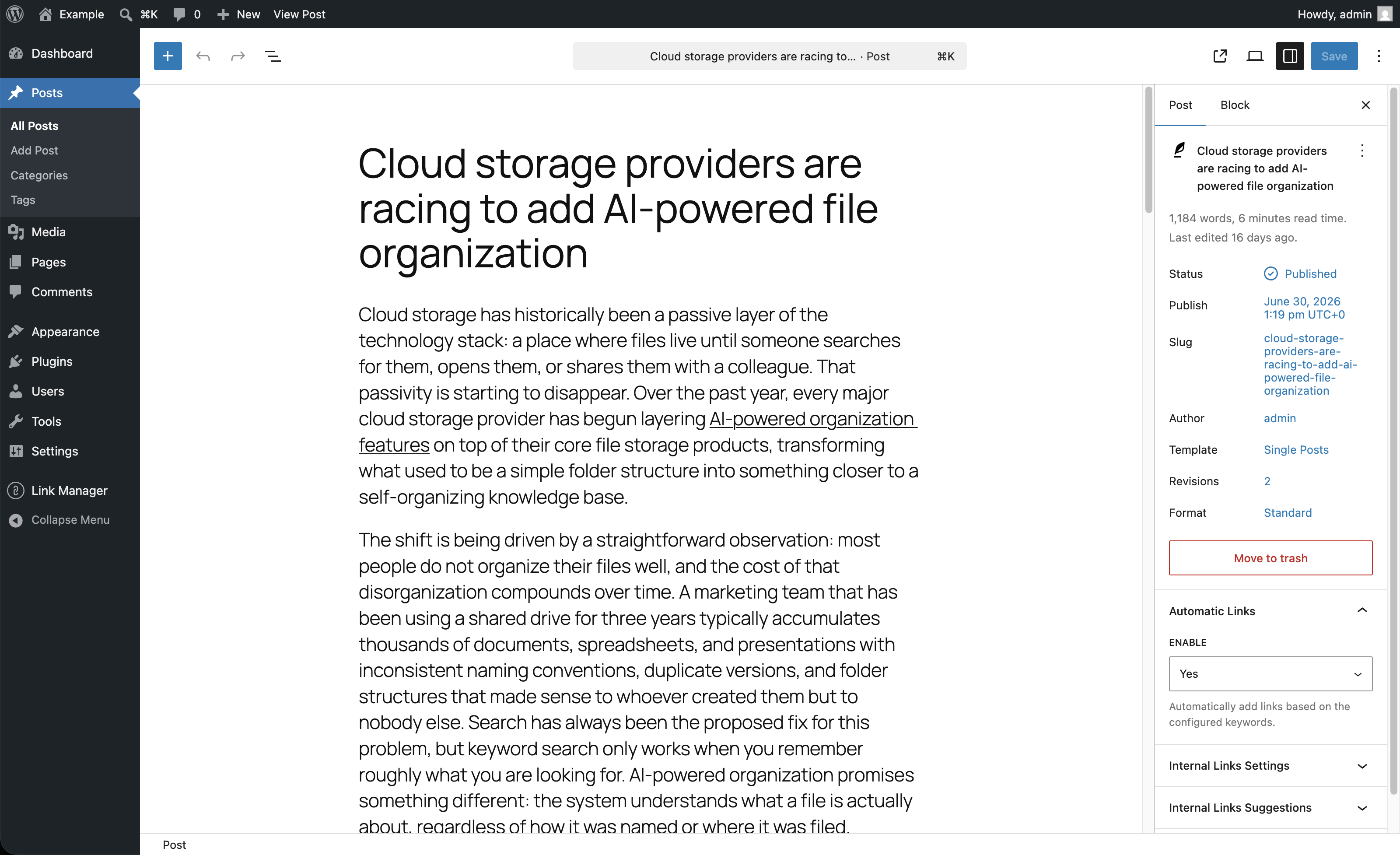
Enable or disable automatic linking per individual post from the editor
Bulk Operations
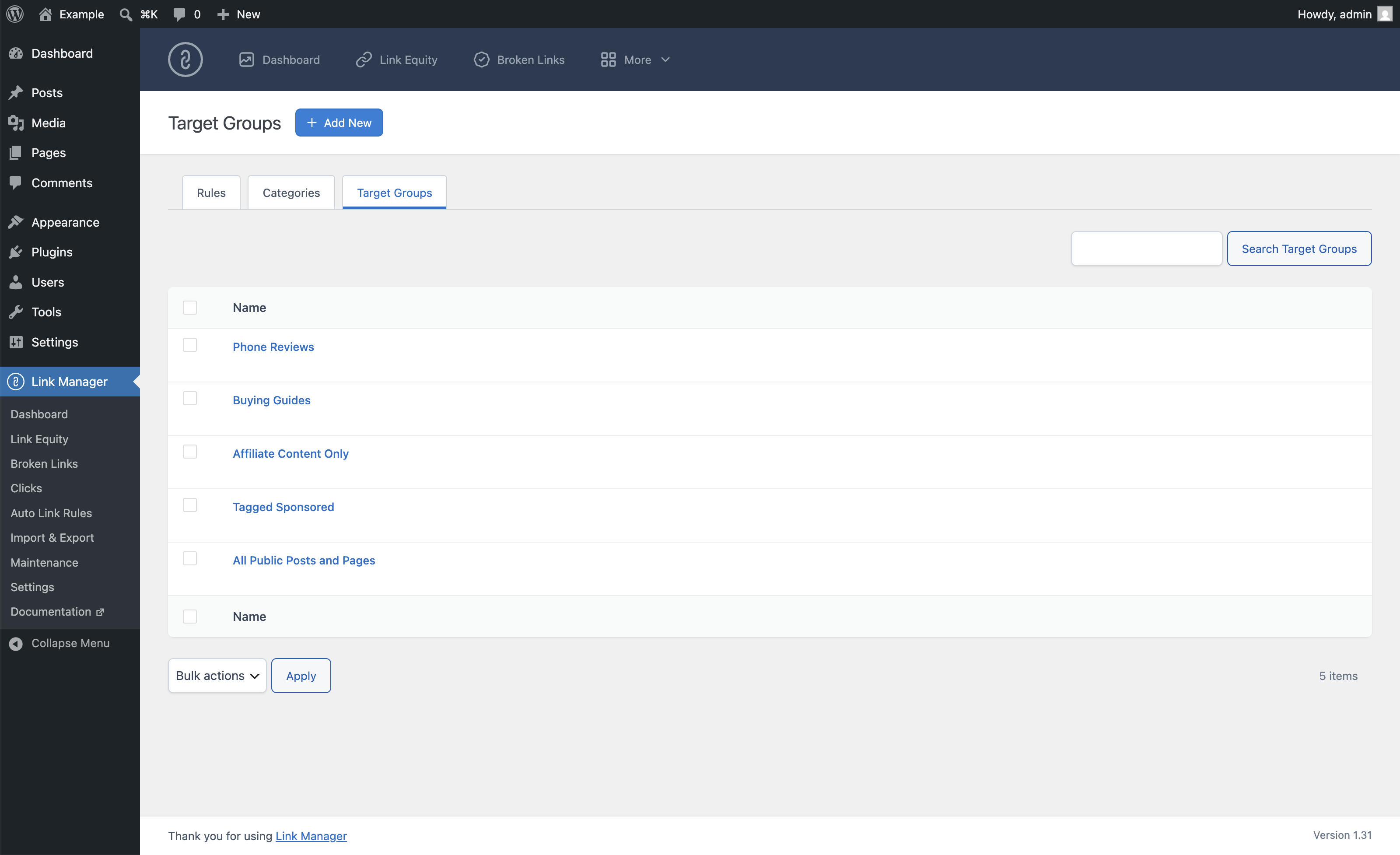
Export the plugin configuration (rules, categories, target groups) as XML
Create automatic link rules in bulk from a spreadsheet-style editor (one keyword and URL per row)
(Pro Version)
Import plugin configuration from a previously exported XML file
(Pro Version)
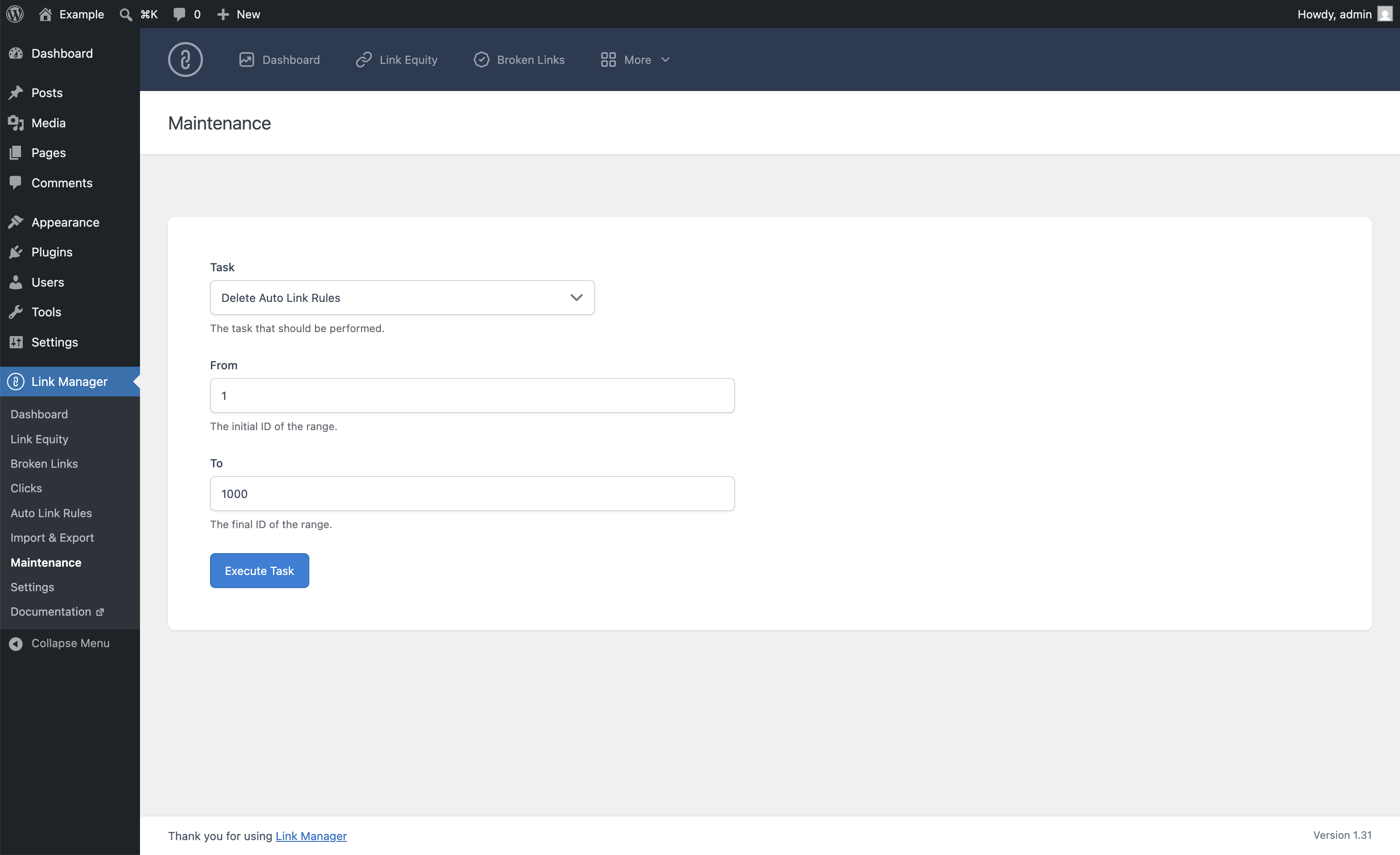
Bulk delete auto link rules, categories, and target groups by ID range
(Pro Version)
Bulk delete click tracking data by ID range
(Pro Version)
Broken Link Checker
Detect links that lead to broken pages, redirects, and other technical issues
(Pro Version)
View the HTTP status code, anchor text, source post, and last check date of each link
(Pro Version)
Choose which post types are scanned
(Pro Version)
Configure the checks per WP-Cron run, run interval, request timeout, and maximum redirects
(Pro Version)
Export HTTP status data in CSV format
(Pro Version)
Click Tracking
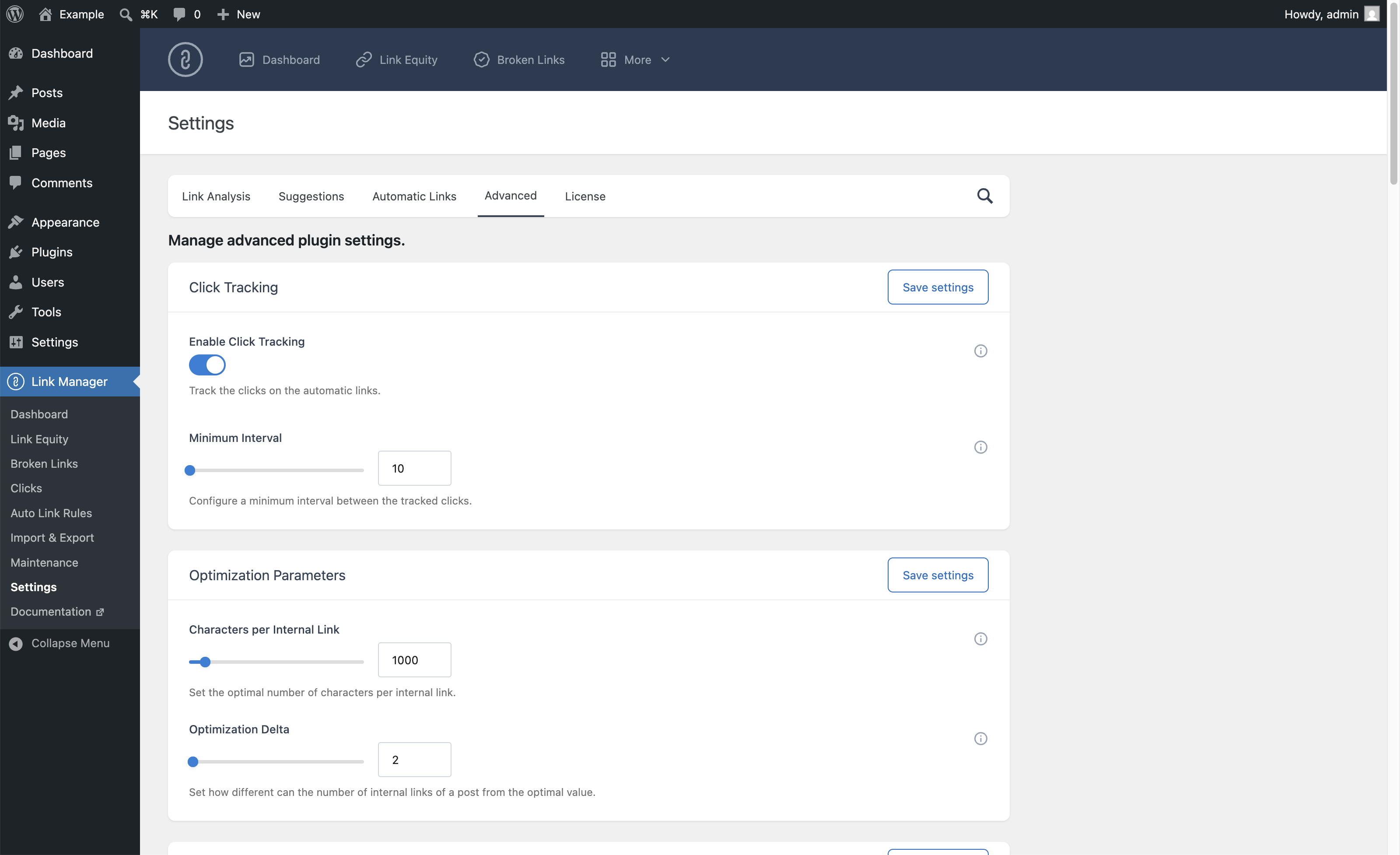
Track the clicks on automatic and manual links, internal and external, without redirects
(Pro Version)
Record the source post, destination URL, anchor text, and date of each click
(Pro Version)
Identify clicks generated by auto link rules and open the related rule
(Pro Version)
Configure minimum interval to prevent duplicate click registrations
(Pro Version)
Filter and query click tracking data
(Pro Version)
Export click tracking data in CSV format
(Pro Version)
Additional Features
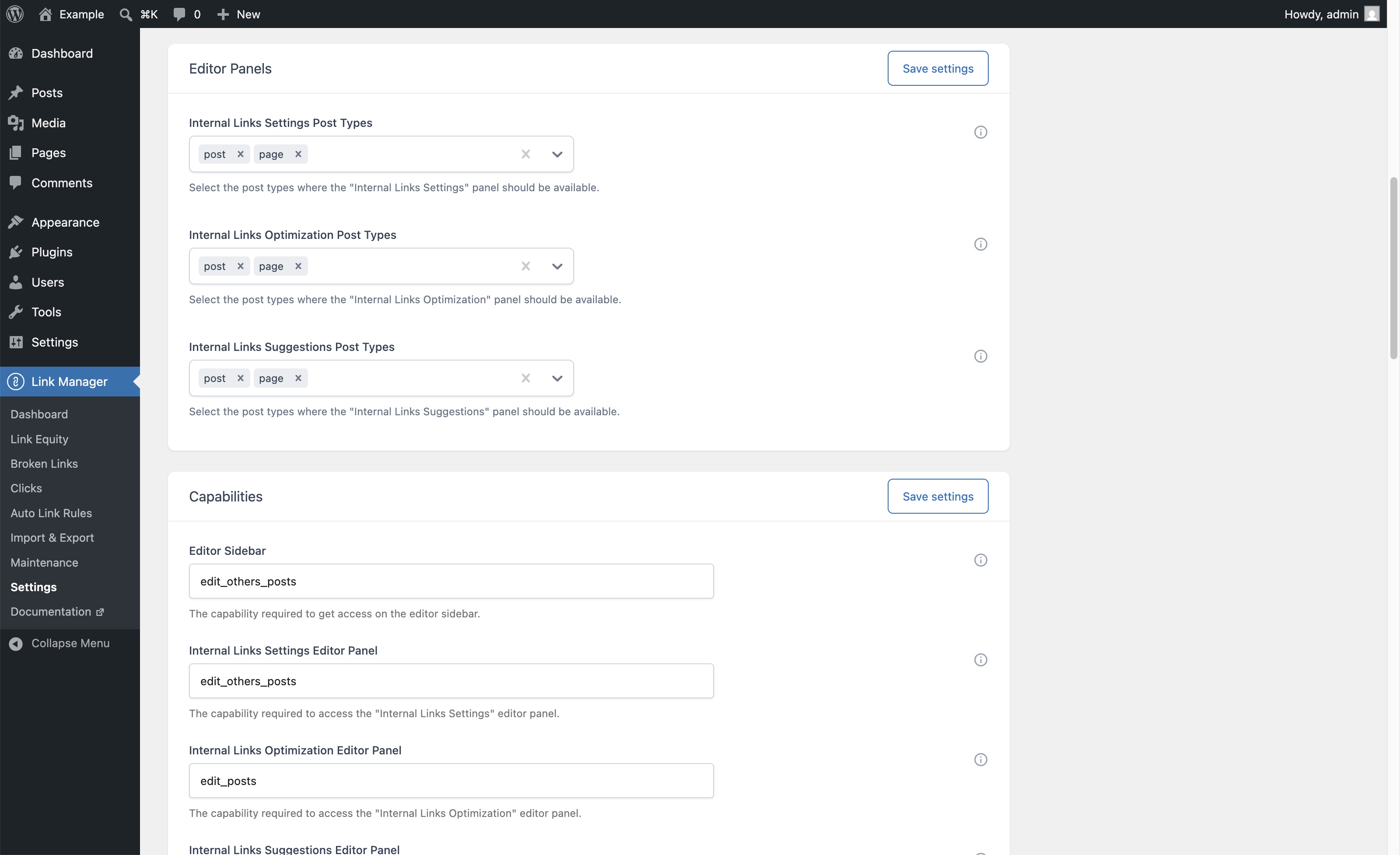
Editor panels for the Block Editor and the Classic Editor
Choose the post types analyzed by the Dashboard
Configure how often the Dashboard and Link Equity data are updated
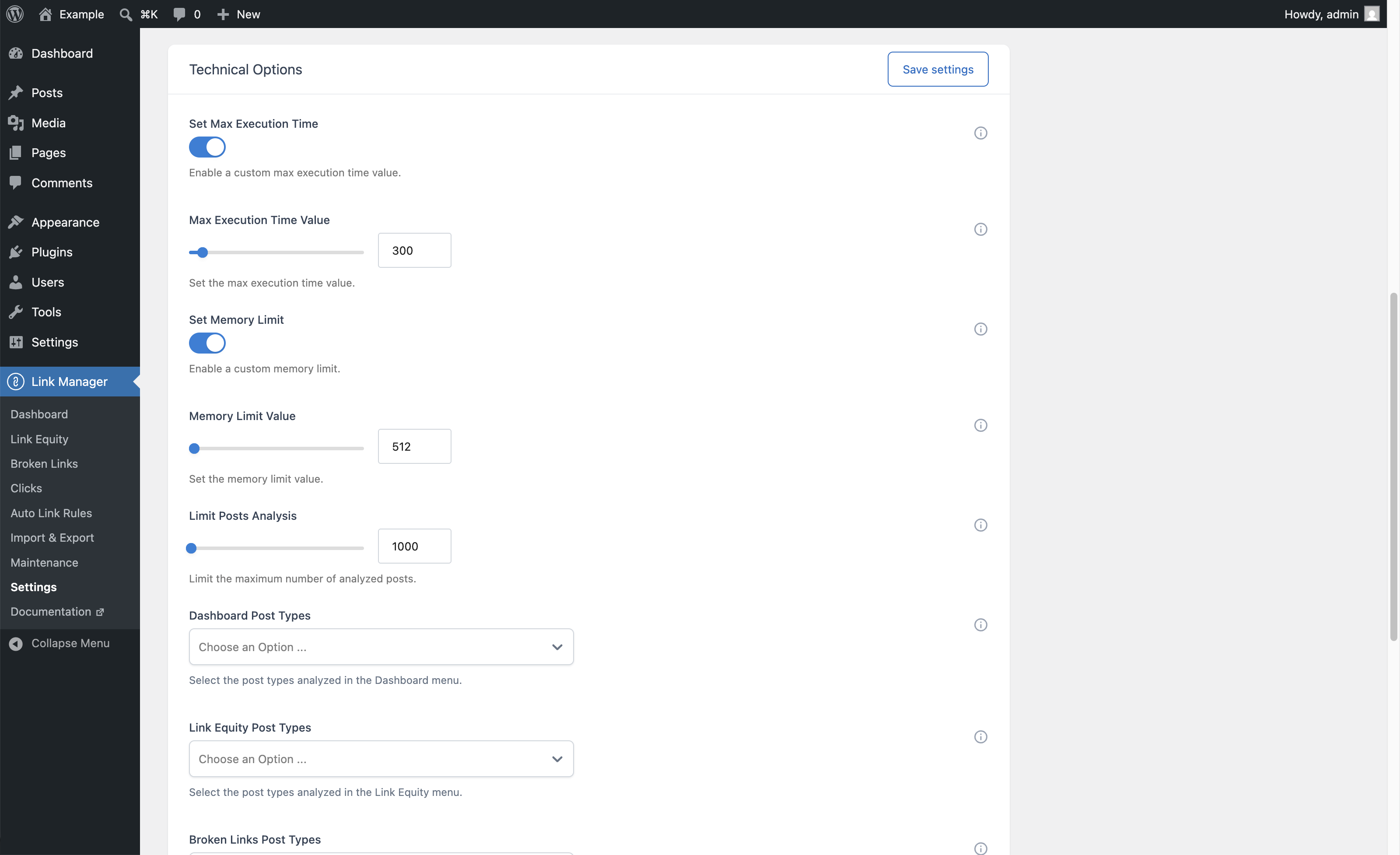
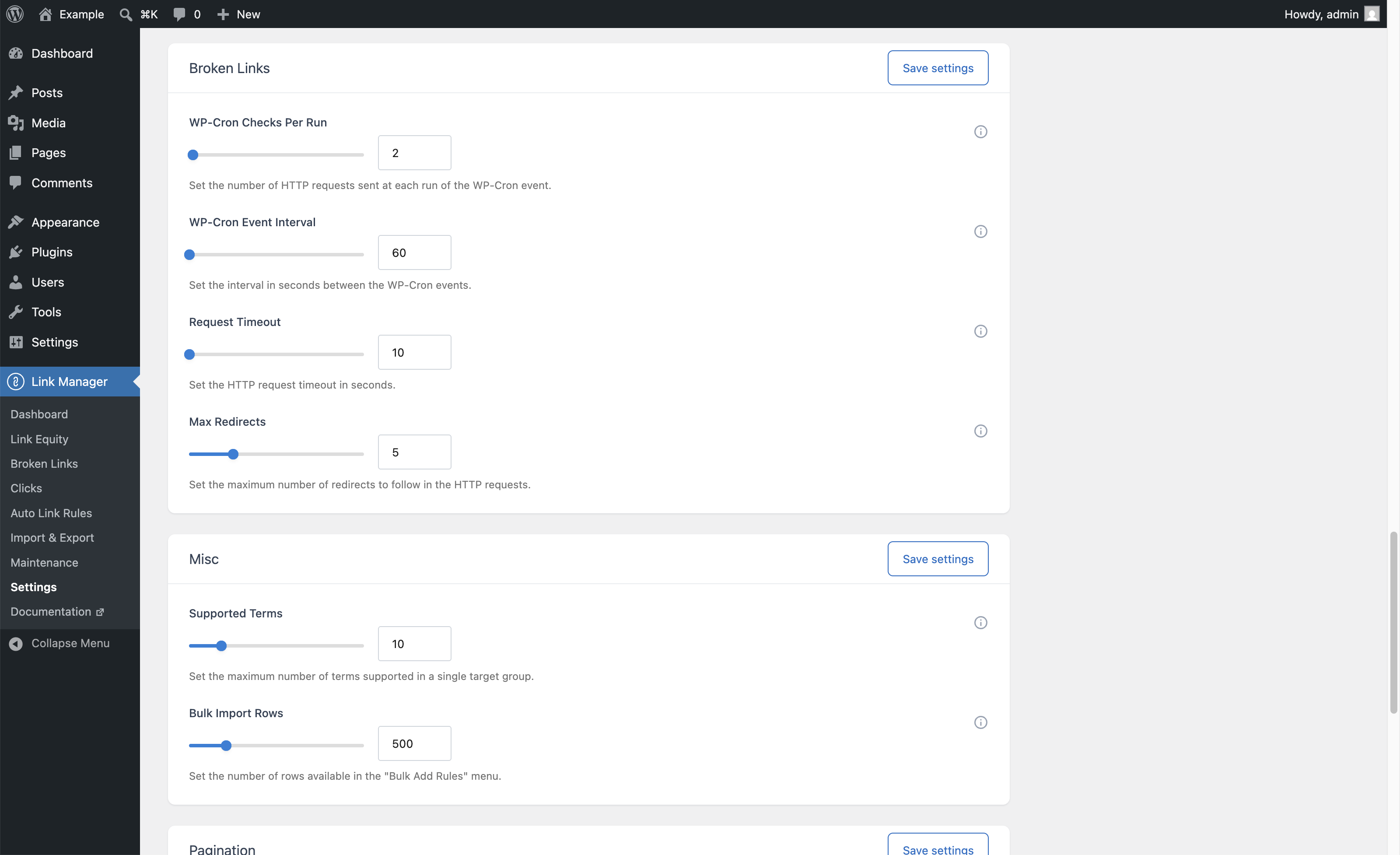
Adjust the PHP memory limit, execution time, and maximum analyzed posts for large sites
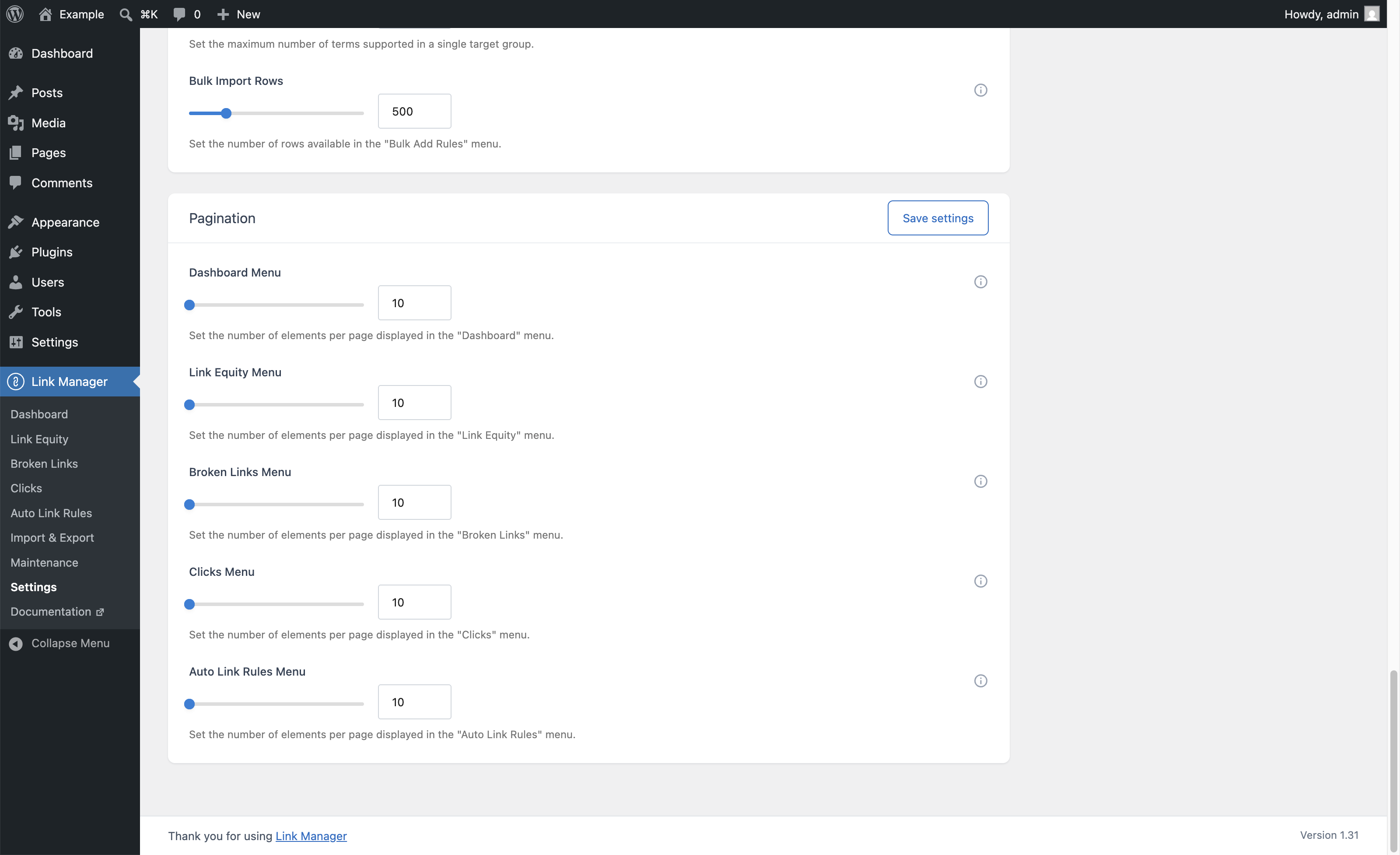
Customize the admin view with adjustable pagination controls
Network activation on WordPress multisite
User permissions allow you to configure who can use each plugin menu and editor panel
(Pro Version)
Support
24-hour response time
(Pro Version)
Support provided via email
(Pro Version)

Screenshots

See the plugin in action with 31 captioned screenshots.