Additional Features
Extra tools to adapt Link Manager to your site

A feature of the Link Manager plugin for WordPress
Extra tools to adapt Link Manager to your site
A feature of the Link Manager plugin for WordPress
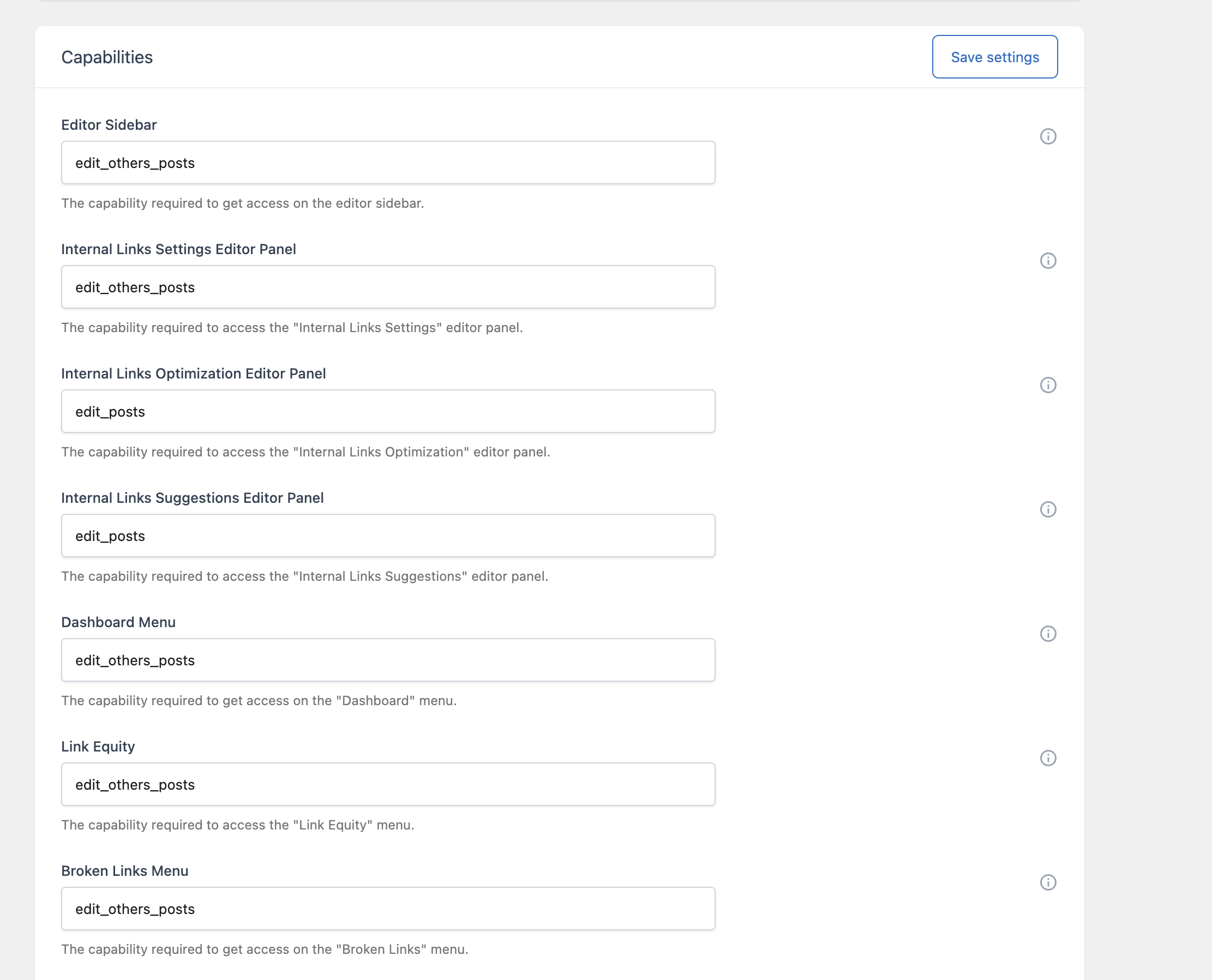
Besides its main tools, Link Manager includes settings to control who can use each menu and editor panel, which post types are analyzed, how often the data is updated, and how much server memory and time the analysis can use.
A link management plugin is used by different people on very different sites: a single blogger, an editorial team with authors and editors, an agency managing many client sites, or a store with thousands of products.
On a site with several users, not everyone should be able to create Auto Link Rules that change links across the whole site, or delete data from the Maintenance menu. On a large site, a default analysis could take longer than the server allows. The additional features solve these practical problems so the main tools work reliably in your environment.
You can decide which users can access each part of the plugin. For example, you can let authors use the editor panels that check and suggest internal links, while only administrators manage the auto link rules and run maintenance tasks.
Link Manager adds panels to the post editor to control the automatic links of the post, check its internal links, set its link equity, and get link suggestions. The panels are available in both the block editor and the Classic Editor, and you can choose the post types where each one appears.
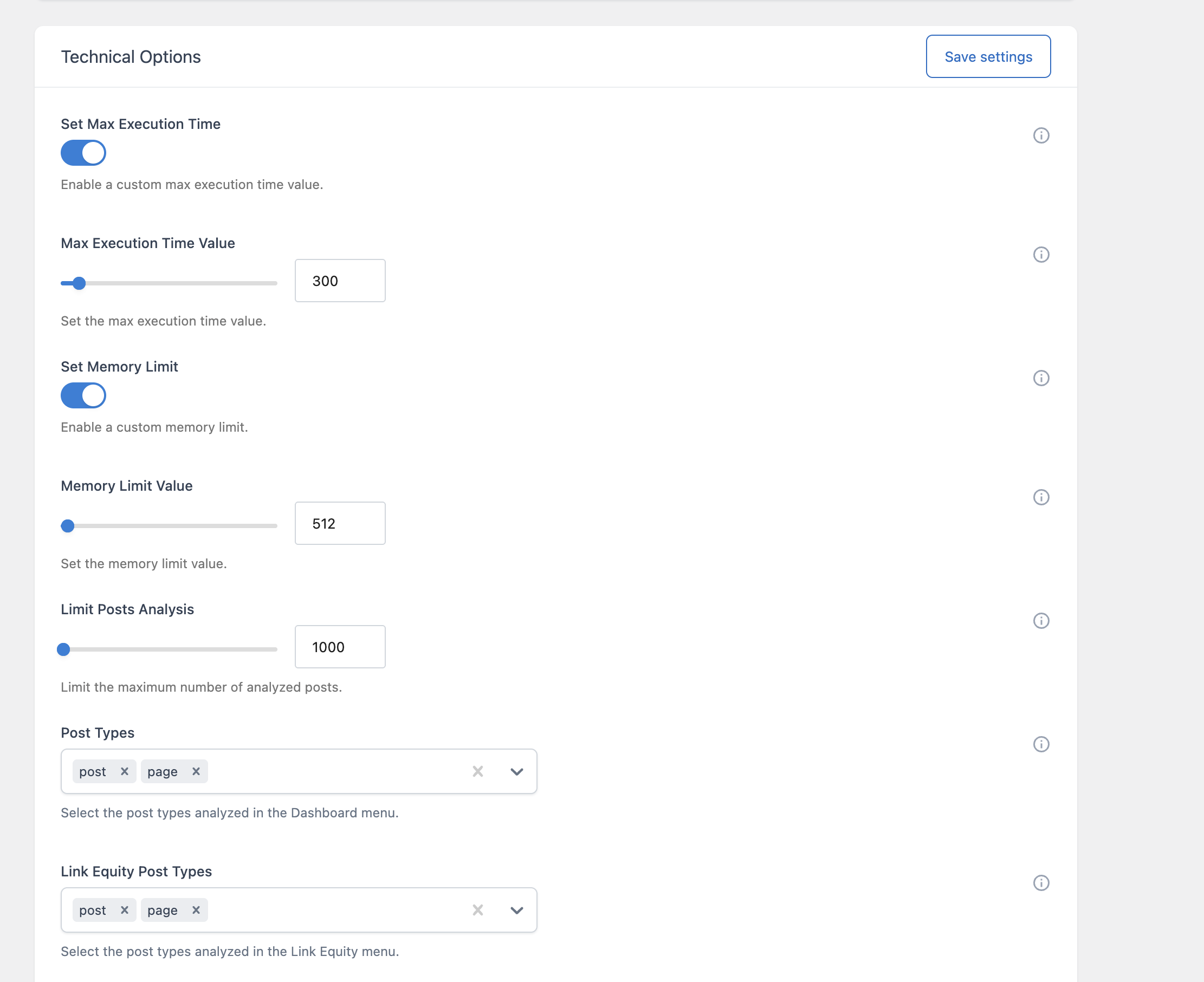
Separate options select the post types analyzed by the Dashboard and by the Link Equity menu, and in the Pro version by the Broken Links menu. You can, for example, analyze only posts and pages and leave out custom post types that are not part of your content strategy.
The link data is generated in the background and cached, so the plugin menus open quickly. You decide how often each data set is regenerated automatically, from never to monthly. The default is weekly. The Update metrics button is always available when you need fresh numbers.
Analyzing thousands of posts takes more time and memory than a normal page load. You can increase the time and memory available to the analysis, without changing them for the rest of your site, and limit the analysis to your most recent posts.
The Pagination settings set how many rows each table displays per page, separately for the Dashboard, Link Equity, and Auto Link Rules menus, and in the Pro version for the Broken Links and Clicks menus.
Link Manager can be network activated on WordPress multisite. When activated for the whole network, it creates its database tables and options on every site, and each site keeps its own rules, settings, and data.