Introduction to Lightweight Cookie Notice
Lightweight Cookie Notice adds a cookie notice (cookie banner) to your WordPress site, lets visitors choose which categories of cookies they accept, and loads your tracking scripts only for the categories each visitor has accepted.
This article explains what the plugin does, what it does not do, and the terms used in the rest of the documentation.
Note: This documentation covers both the free and the Pro version. Features marked (Pro) are available only in the Pro version.
What the plugin does
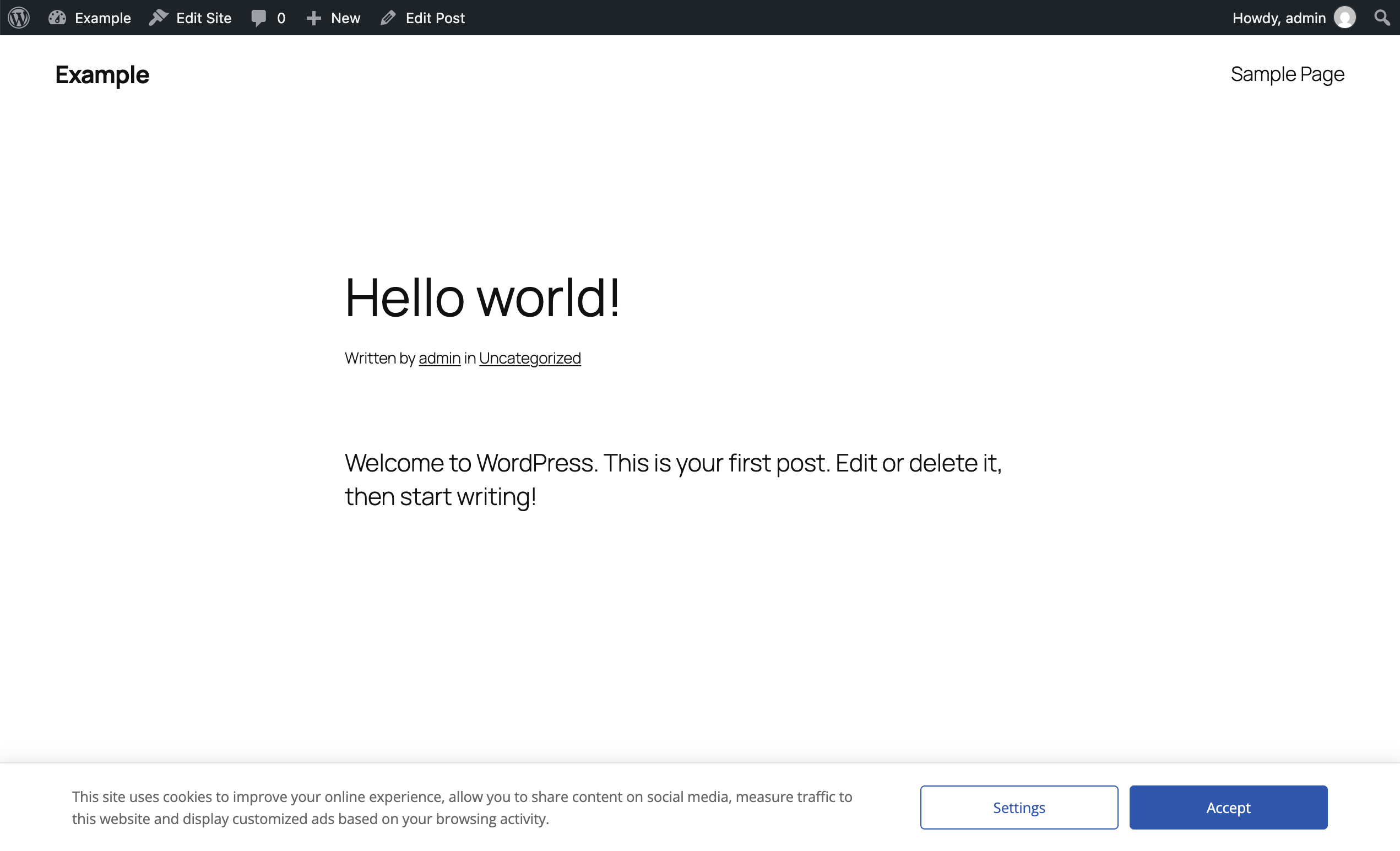
- Displays a cookie notice with up to three buttons and an optional dismiss button.
- Displays a cookie settings window (a modal window) where visitors can read your cookie information and turn cookie categories on or off.
- Adds the scripts you assign to a category (for example the Google Analytics tag) only when the visitor has accepted that category.
- Stores a record of each consent in the Consent Log.
- Adds a revisit consent button so visitors can change their choice later.
- Optionally displays the notice only to visitors from the countries you select (Geolocation).
What the plugin does not do
Lightweight Cookie Notice is not a Consent Management Platform (CMP). Keep these points in mind before you start:
- It does not scan your site. The plugin does not detect which cookies your site sets. You list your cookies yourself in the Cookies menu.
- It does not block scripts added elsewhere. The plugin controls only the scripts you enter in its own category fields. A tracking script added by your theme, by another plugin, or pasted in a page builder keeps running regardless of the visitor’s choice. To put a script under consent, remove it from where it is now and add it to a category. See Running Scripts Based on Visitor Consent.
- It has no ready-made integrations. There is no built-in connection to Google Analytics, Meta Pixel, or similar services. You copy the script from the provider and paste it in a category.
- It does not provide legal advice. The plugin gives you the tools to ask for and record consent. Whether your setup meets GDPR, CCPA, or other laws depends on your site and on how you configure the plugin.
- AMP pages are not supported.
How consent works
- A visitor opens your site for the first time. The cookie notice is displayed.
- The visitor clicks a button. Depending on the action assigned to that button, all categories are accepted, all are rejected, or the visitor’s own selection is saved.
- The plugin saves the choice in cookies in the visitor’s browser and, if enabled, adds a record to the Consent Log.
- On the following page loads, the notice is not displayed, and the scripts of the accepted categories are added to the page.
- The visitor can click the revisit consent button at any time to delete the saved choice and see the notice again.
The choice is stored in the visitor’s browser, so it applies to that browser only and lasts for the period set in the Expiration option.
Key terms
| Term | Meaning |
|---|---|
| Cookie notice | The banner displayed to visitors who have not made a choice yet. |
| Cookie settings | The modal window with your cookie information and the category toggles. |
| Section | A group of categories in the cookie settings window, for example “Cookies used on this site”. |
| Category | A type of cookies the visitor can accept or reject, for example “Analytics”. Scripts are assigned to categories. |
| Cookie | An entry of the Cookies menu that describes one cookie used on your site (name, expiration, purpose, and so on). |
| Button action | What happens when a button is clicked, for example Accept All Cookies or Open Cookie Settings. |
| Consent Log | The list of consents given by your visitors. |
| Revisit consent | The button (or any element you choose) that lets visitors change their choice. |
The plugin menus
After activation, a Cookie Notice menu is added to the WordPress admin sidebar with these items:
| Menu | Purpose |
|---|---|
| Consent Log | View the consents collected from your visitors. |
| Sections | Create the sections of the cookie settings window. |
| Categories | Create the cookie categories and assign scripts to them. |
| Cookies | List the cookies used on your site. |
| Tools | Export the plugin data. Import is available in (Pro). |
| Maintenance | Reset the plugin data, reset the consent log, or delete the transient. |
| Options | Configure content, style, geolocation, and advanced settings. |
Free and Pro
The free version includes the cookie notice, the cookie settings window, sections, categories, the cookie list, consent-based scripts, the consent log, geolocation, and all style options.
The Pro version adds:
| Feature | Where to read more |
|---|---|
| Accept Cookies Script field (JavaScript run at the moment of acceptance) | Running Scripts Based on Visitor Consent |
| Google Consent Mode | Setting Up Google Consent Mode |
| Cookies, Delete Cookies, and Revisit Consent blocks and shortcodes | Blocks and Shortcodes |
| Consent log export in CSV and Proof of Consent in PDF | Reviewing and Exporting Consent Records |
| Consent shared across subdomains (Domain option) | Advanced Settings Reference |
| Import of plugin data | Importing and Exporting Plugin Data |
| Custom capabilities for each plugin menu | Advanced Settings Reference |
| WP Super Cache Integration option | Using the Plugin with Caching Plugins |
The two versions use different technical names (cookie names, CSS classes). When a name differs, both are shown in this documentation. The full list is in Technical Reference.
Where to go next
- New to the plugin: read Quick Start Guide.
- You want Accept and Reject buttons: read Understanding Button Actions.
- You want Google Analytics to load only after consent: read Running Scripts Based on Visitor Consent.