Import Markdown Files in the Post Editor
Use the Import Markdown section to generate post content from a Markdown file stored on your computer.
This feature is ideal if you prefer writing content outside WordPress, for example:
- In a Markdown editor
- In a text editor or IDE
- Using AI tools or external writing platforms
- From version-controlled repositories (e.g., Git)
Open the Import Markdown section in the editor.
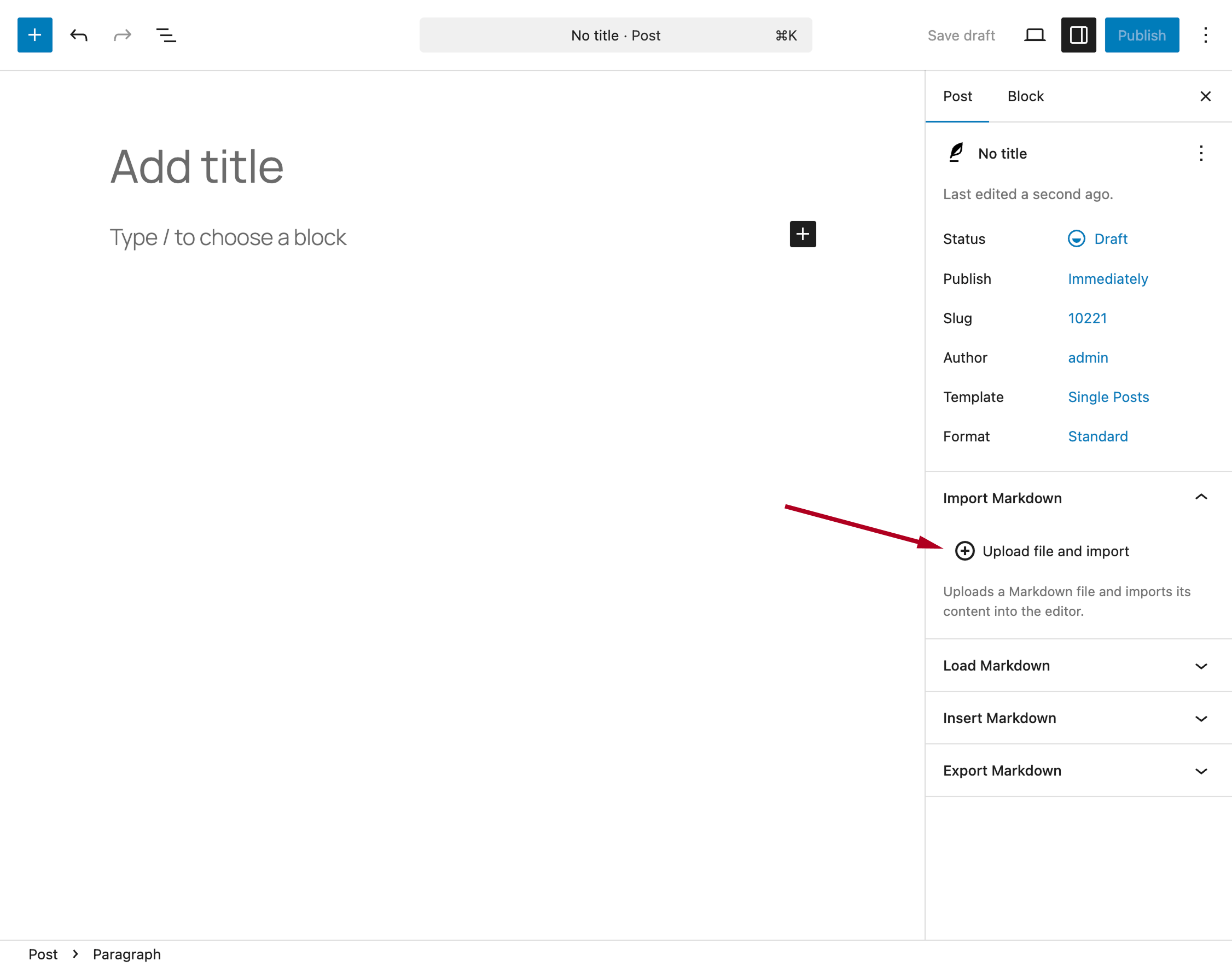
Click the Upload file and import button and select a file from your computer.
The file must be a plain text file with one of the supported extensions (see the Supported File Extensions documentation).
If your content includes images, you can upload a ZIP archive instead.
The ZIP file should contain:
- The Markdown file
- All associated image assets
For details on how to structure the ZIP file, refer to the Importing Images documentation.
Note that this upload process supports only one file at a time, as it directly replaces the content of the current post.
After the upload:
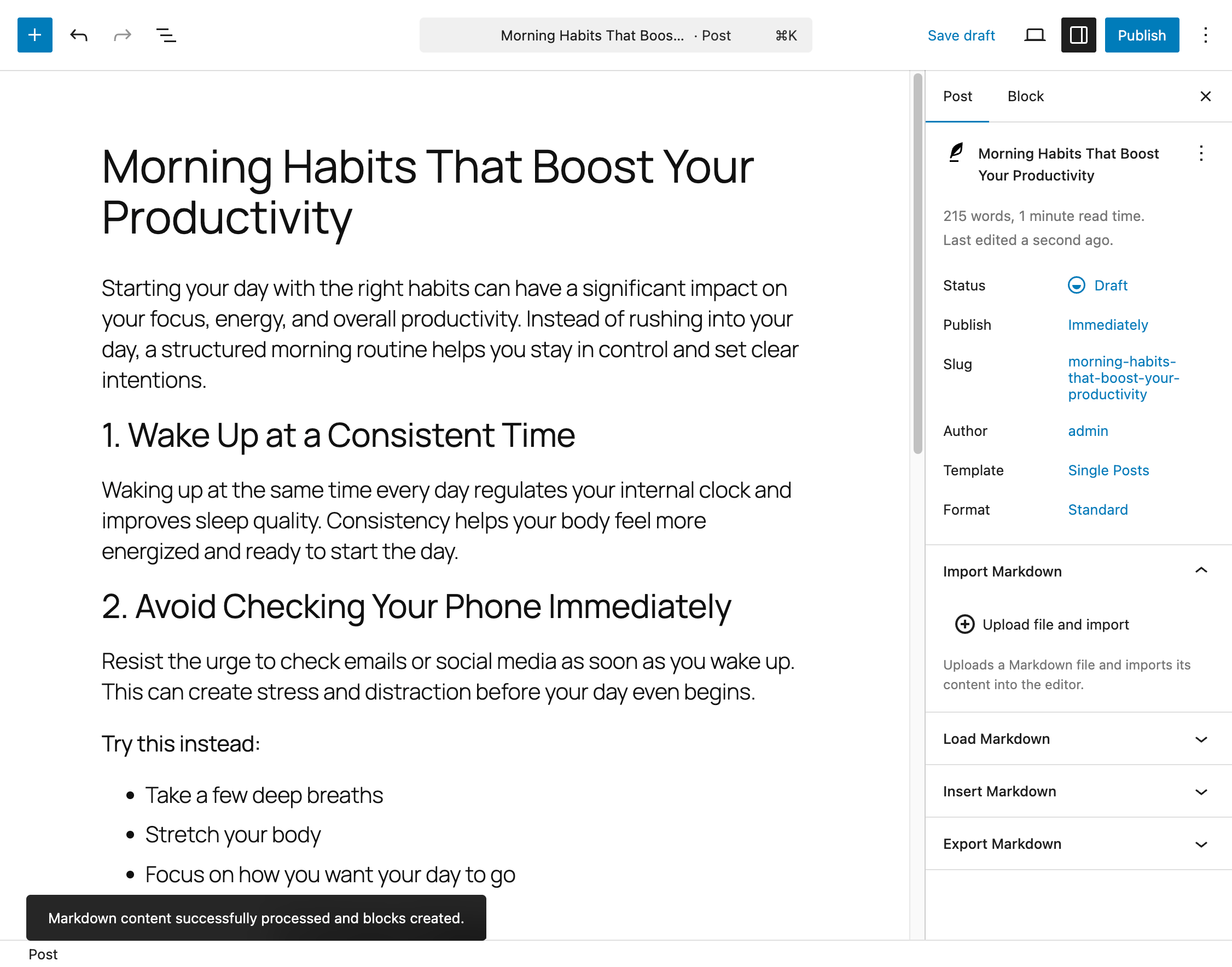
- The post content is automatically updated
- Any metadata defined via Front Matter is processed
- A confirmation message is displayed
If issues occur, the notification will provide details to help you troubleshoot.
This operation replaces the current post content. Make sure there are no unsaved changes before importing a file.