Configuring REST API Options
This feature is available in the Pro version of Ultimate Markdown.
This page describes the authentication options available for the plugin REST API endpoints and how to use them.
Configuring Authentication
Authentication behavior is configured in:
Settings → REST API → Authentication
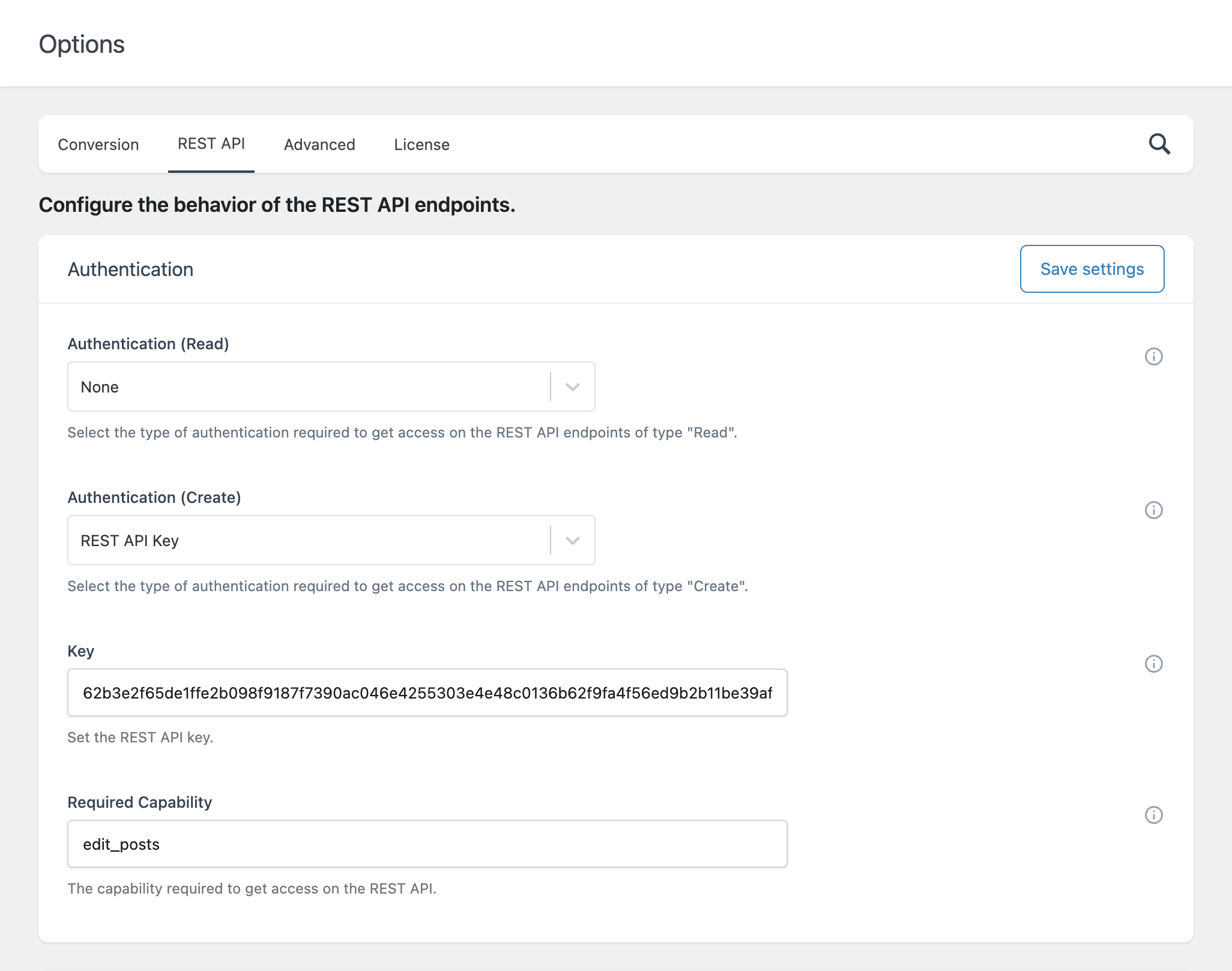
Authentication (Read)
Defines how access is granted to read endpoints.
- Cookies
Uses WordPress authentication cookies. Suitable for requests made within the WordPress environment by logged-in users. For example this authentication method can be used if the interaction with the is performed by another WordPress plugin. - REST API Key
Requires a valid API key to be included in the request. - None
No authentication required.
Authentication (Create)
Defines how access is granted to create/import endpoints.
- Cookies
- REST API Key
REST API Key
Set your API key in:
Settings → REST API → Authentication → Key
This key must be included in requests when using REST API Key authentication.
Required Capability (Create)
Defines the WordPress capability required to use the import endpoint.
Import Configuration
Available in:
Settings → REST API → Processing
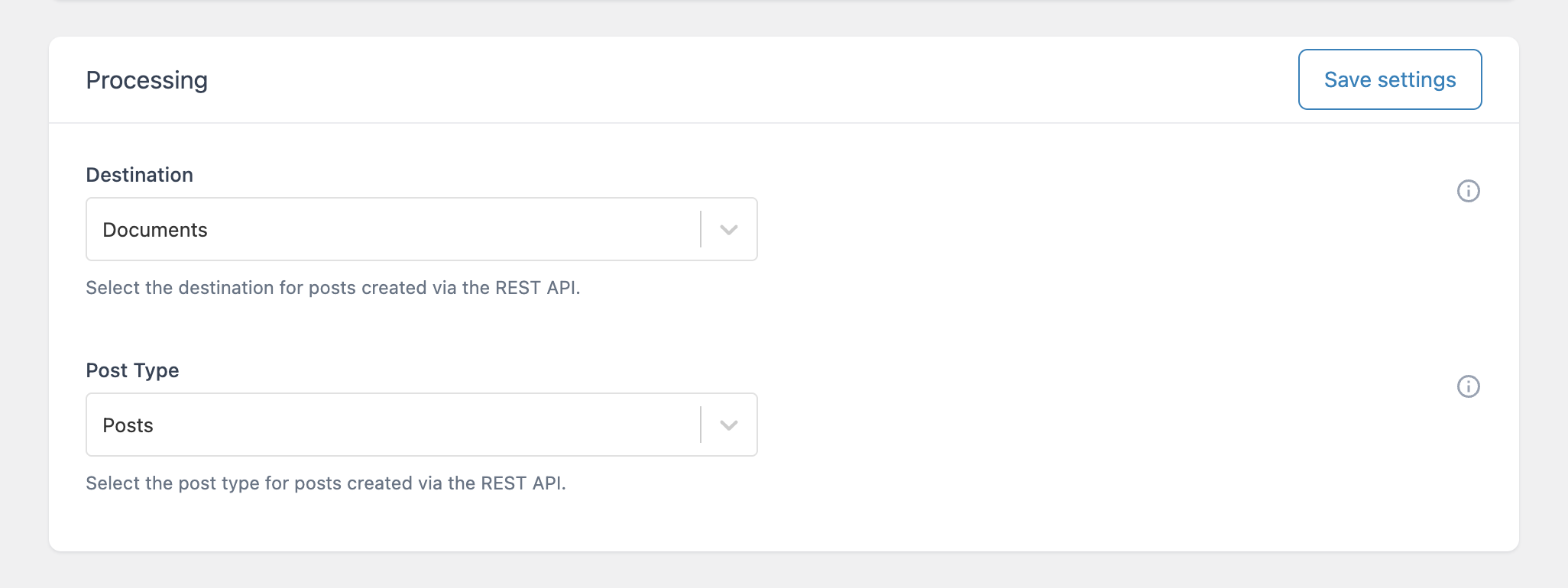
Destination
Defines where imported content is stored:
- Documents → Stored as internal Markdown documents managed by the plugin
- Posts → Created as standard WordPress posts
Post Type
Used only when Destination = Posts
Allows selecting:
- Post
- Page
- Any custom post type
Summary
- Authentication is configurable (Cookies or API Key)
- Supports both internal and external integrations