Include Front Matter in Exported Posts
Ultimate Markdown allows you to include Front Matter when exporting WordPress content to Markdown. This ensures that important metadata (such as title, excerpt, categories, and more) is preserved alongside the content.
Where Export Applies
You can export Markdown files in the following contexts:
- From the post editor using the Export Markdown panel
- From the Tools → Export section when Posts is selected as the source
Enabling Front Matter in Exports
To include Front Matter in exported files, configure the options available in:
Settings → Advanced → Export
Two options control this behavior:
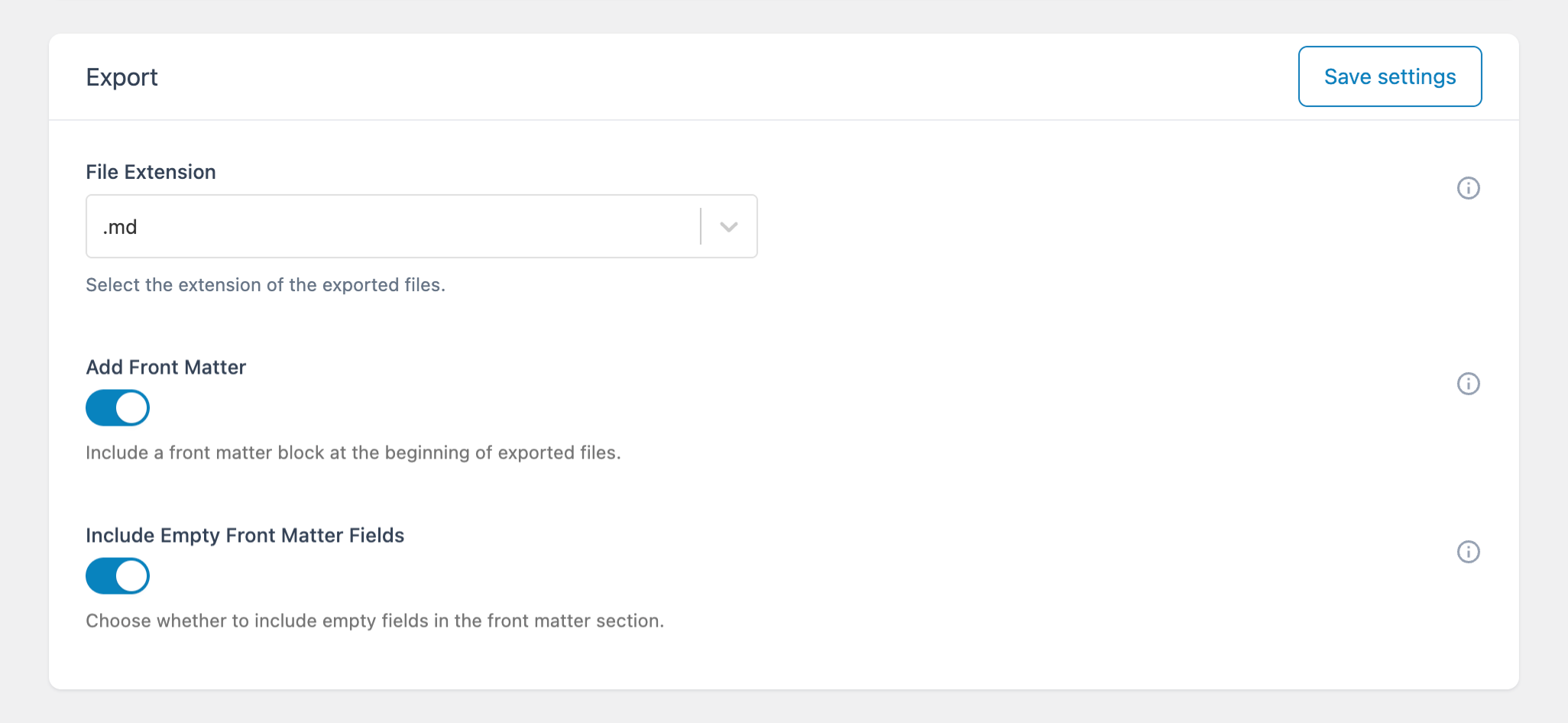
Add Front Matter
Enable this option to prepend a Front Matter block to each exported Markdown file.
When enabled, the plugin generates a YAML block at the beginning of the file using the post metadata.
Include Empty Front Matter Fields
This option controls how empty metadata fields are handled:
- Enabled → Empty fields are included as empty values (e.g., empty strings or arrays)
- Disabled → Empty fields are omitted entirely
Use this setting based on the requirements of your workflow or external tools.
How Front Matter Is Generated
When exporting posts, the plugin automatically converts WordPress post data into Front Matter key-value pairs.
For example, a post with metadata may be exported as:
---
title: Example Post
excerpt: This is a sample excerpt
slug: example-post
date: 2025-01-15 10:30:00
categories:
  - News
  - Updates
tags:
  - WordPress
  - Markdown
status: publish
---
This block is added at the top of the exported Markdown file, followed by the post content.
Why Use Front Matter in Exports
Including Front Matter in exported files provides several advantages:
- Preserve post configuration outside WordPress
- Enable round-trip workflows (export → edit → re-import)
- Maintain a consistent content structure across tools
- Simplify migrations and backups
Notes
- Front Matter is generated only when exporting Posts (not Documents)
- The available fields depend on the post data
- The structure follows standard YAML syntax, ensuring compatibility with external tools
For details on supported fields and usage, see the related article on Using Front Matter within the plugin.