Insert Markdown in the Post Editor
The Insert Markdown section allows you to generate post content from a provided Markdown text string.
This feature is useful when you want to quickly create or update content using Markdown, for example:
- Pasting content from another application
- Writing Markdown directly in the editor
- Using content generated by AI tools
- Quickly testing or previewing Markdown snippets
To begin, open the Insert Markdown section in the editor.
In the textarea, enter Markdown text manually or paste content copied from another application.
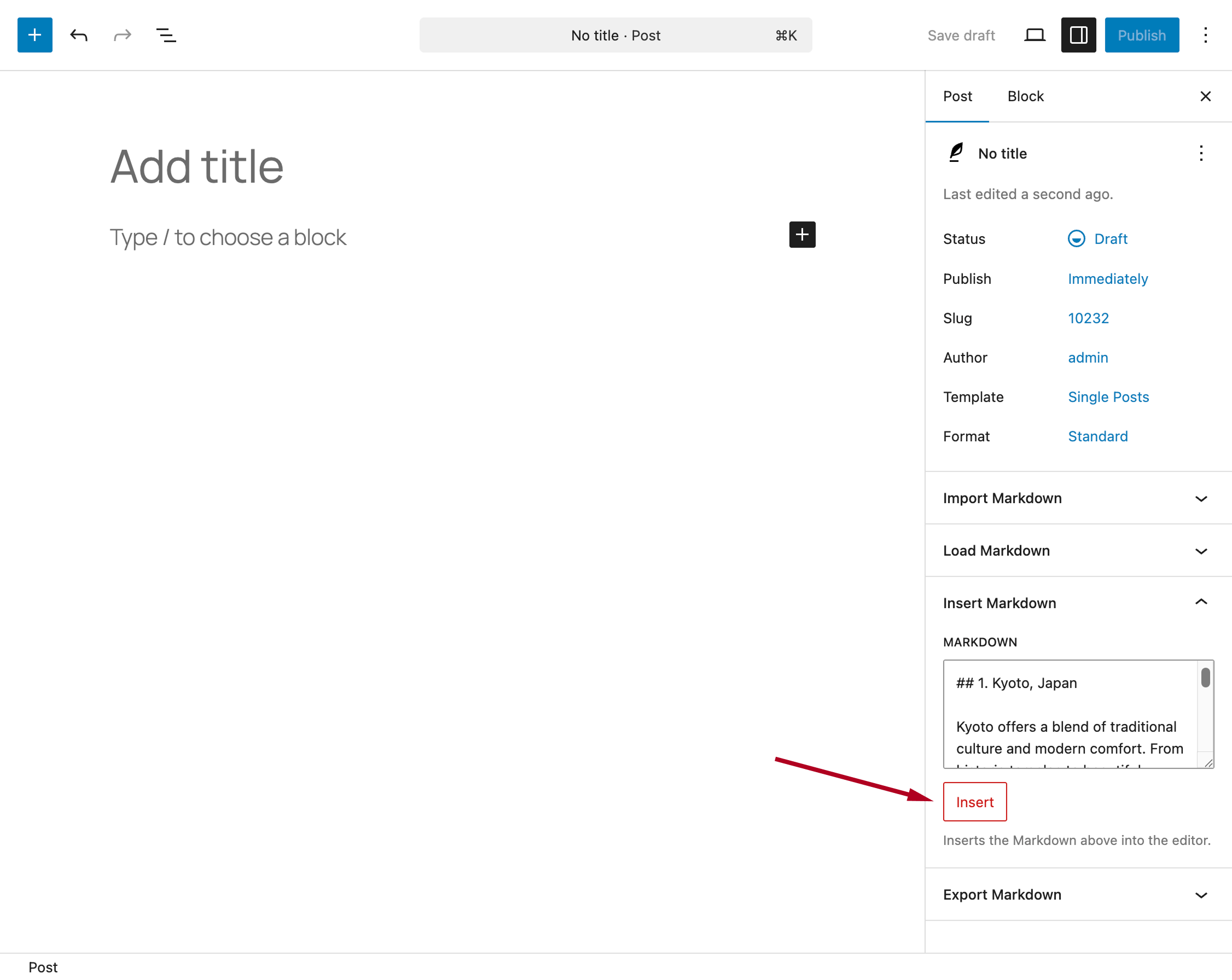
Click the Insert button to generate the post content.
After the operation:
- The post content is updated automatically
- A notification message confirms success or reports any issues
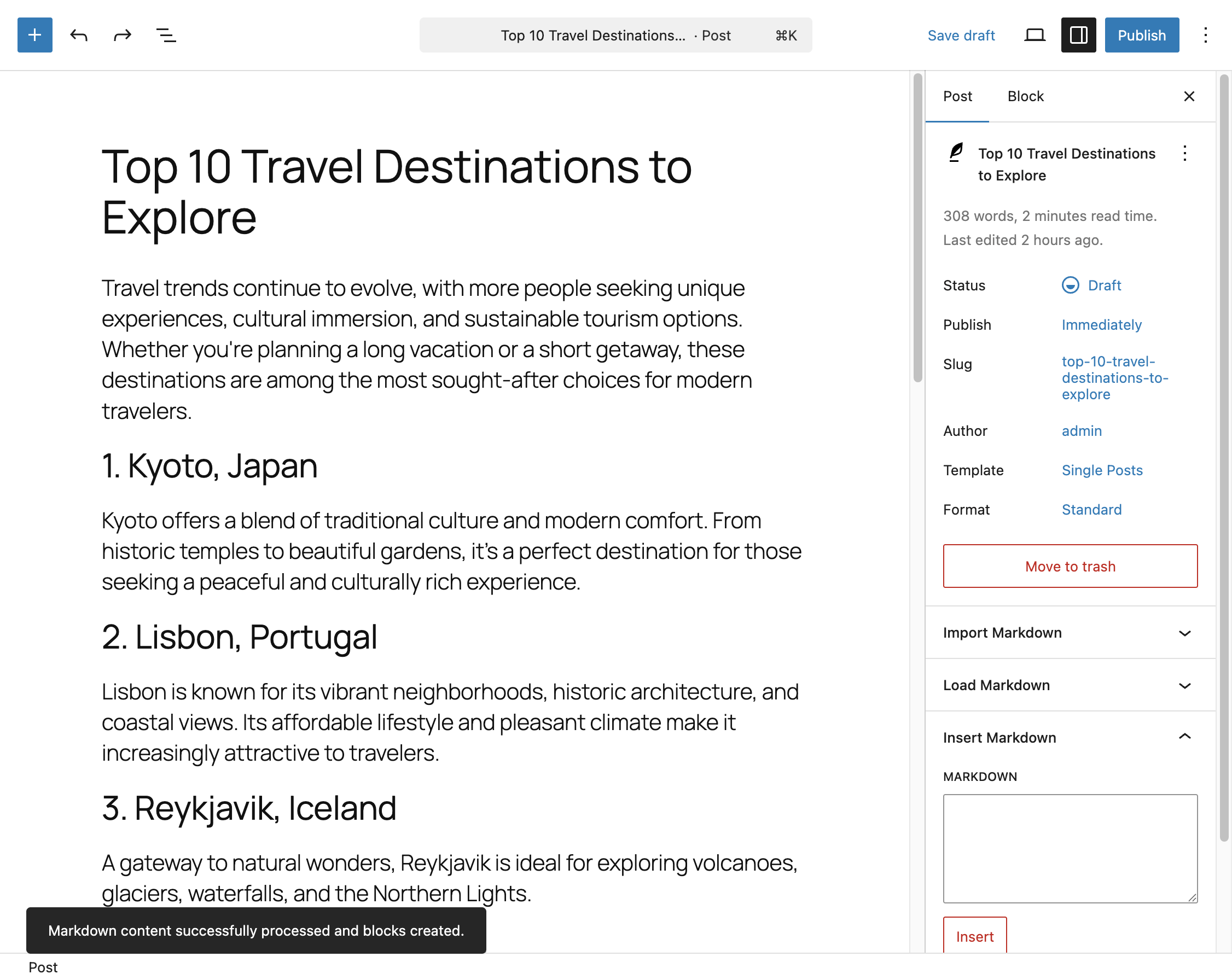
This action replaces the current post content. Make sure there are no unsaved changes before inserting Markdown text.