Importing and Exporting Plugin Data
The Import & Export menu lets you move your Auto Link Rules, Categories, and Target Groups between sites, or create a backup of this data before making major changes.
What Is Included
The Import & Export feature covers exactly three types of data:
- Auto Link Rules
- Categories
- Target Groups
No other plugin data is included. Statistics, click tracking records, Link Equity data, Broken Links data, and your Settings configuration are not part of an export and need to be reconfigured manually if you’re setting up a new site.
Exporting Data
Click Export in the Export section to generate and download an XML file containing all of your Auto Link Rules, Categories, and Target Groups. The downloaded file is named link-manager- followed by a timestamp.
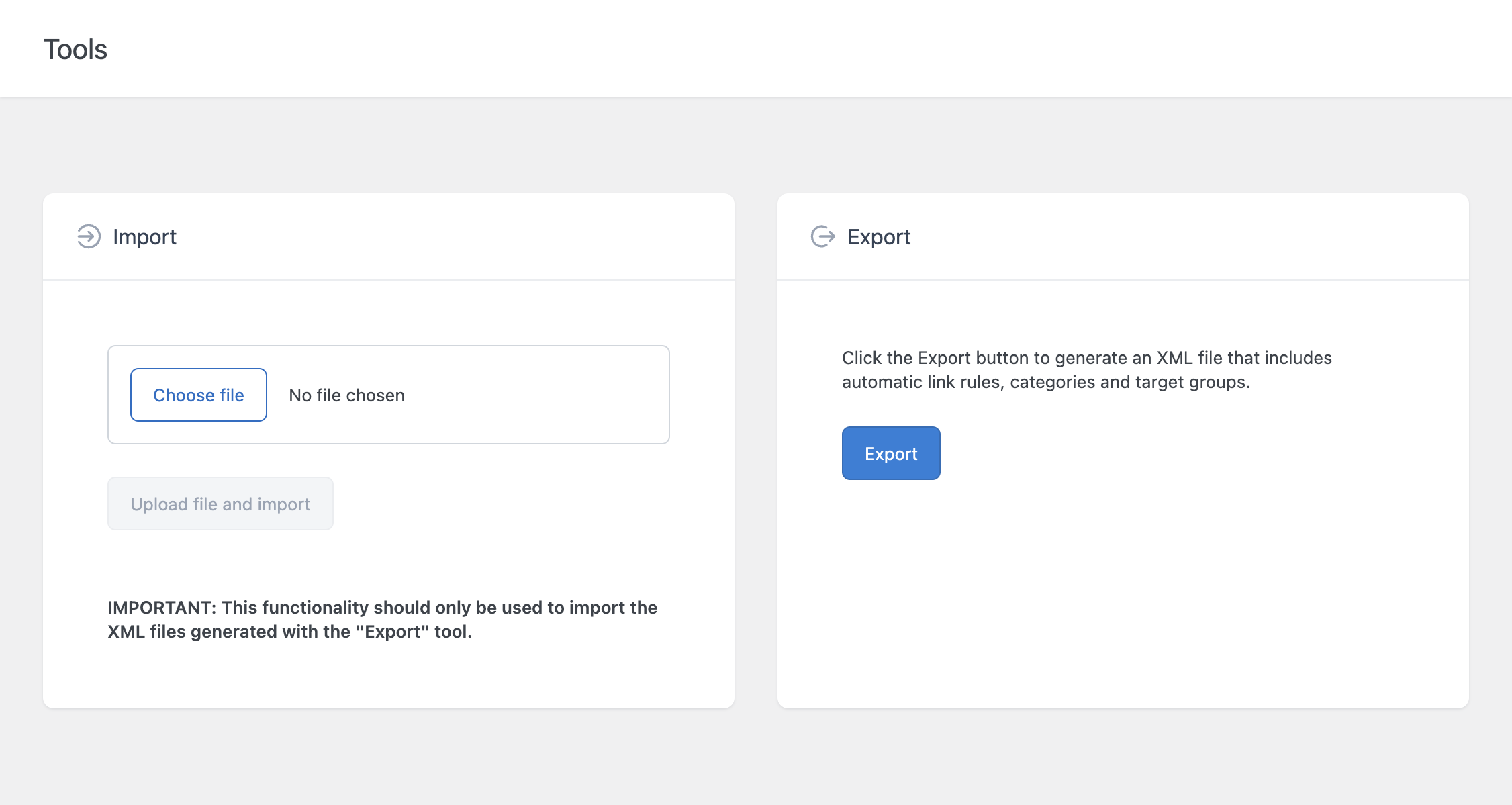
The Export button is only enabled if you have at least one rule, category, or target group to export. If your site has no data in any of these three areas, the button remains disabled.
Importing Data
To import data, click Choose file in the Import section, select a previously exported XML file, then click Upload file and import.
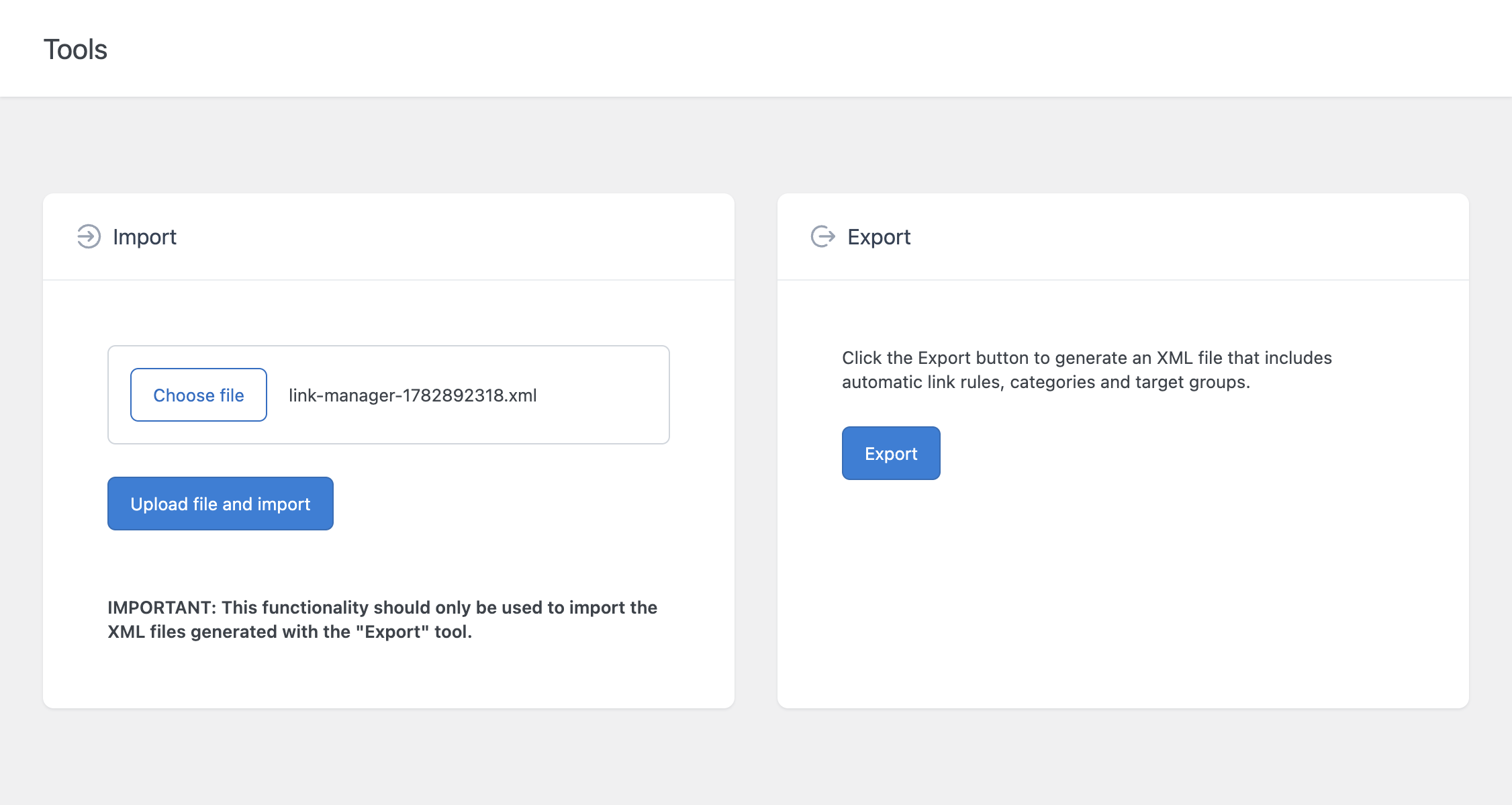
Important
This functionality should only be used to import XML files generated by the Export tool in this same plugin. Importing a file from another source, or a manually edited XML file, may produce unexpected results, since the import process expects the file to follow the exact structure the Export tool produces.
Common Use Cases
- Backing up your linking configuration before making large changes to your Auto Link Rules
- Moving rules between environments, for example from a staging site to production
- Migrating from the Free version to the Pro version of the plugin, as covered in the dedicated documentation on Free to Pro migration
- Duplicating a linking setup across multiple sites that should share the same rules