Internal Links Settings Panel
The Internal Links Settings panel lets you configure how much link equity an individual post passes through its internal links, directly from the post editor.
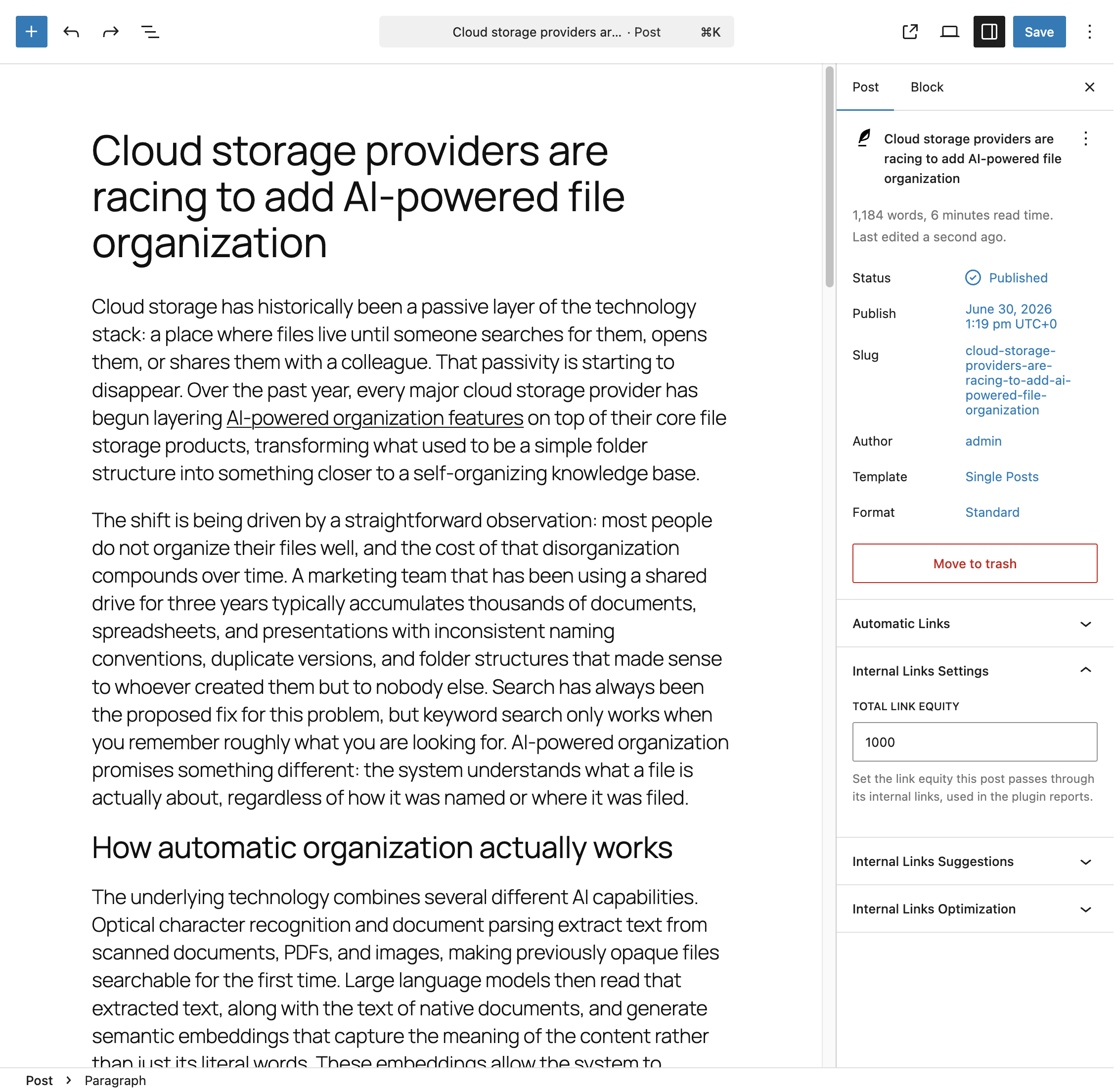
Where to Find It
In the block editor, the panel appears in the document settings sidebar under Internal Links Settings. In the classic editor, the same field appears as a metabox with the same name.
The Total Link Equity Field
This panel exposes a single field:
- Total Link Equity – A numeric value representing how much link equity this post is able to pass through its outgoing links. This is the same value used throughout the plugin’s Link Equity calculations.
If you haven’t set a custom value for a post, it falls back to the Total Link Equity (Default) option configured in the Link Analysis section of the Settings menu.
For a full explanation of how this value is used to calculate equity per link, refer to the dedicated documentation on understanding Link Equity.
When to Set a Custom Value
The default value works well for most content, but you may want to set a higher Total Link Equity on posts that are particularly authoritative or receive significant external traffic, since these posts are typically considered stronger sources of internal link equity. Conversely, you might lower the value on thinner or less important content.
Panel Visibility
This panel only appears for post types where the Internal Links Settings Post Types option, configured in the Advanced section of the Settings menu, includes the post type you’re currently editing.